What the SEO Management template does
- Research keywords from your seed terms and competitor domains.
- Crawl the site and audit metadata, headings, content and technical issues.
- Plan content and write blog posts with schema markup.
- Read Search Console and GA4 data when you connect a service account.
- Monitor rankings daily and show week by week change.
- Publish approved changes through WordPress or a GitHub pull request.
How to set it up
- Create a project with your domain, seed keywords, competitor domains, country and language.
- Optionally connect Search Console, GA4 and a publishing method.
- Run the audit and review the proposed changes in the SEO Intelligence app.
- Approve what you want published and track rankings over the following weeks.
What you need
- The domain you want to improve.
- Optional: a Google service account for Search Console and GA4, and a WordPress or GitHub token to publish.
Control and safety
Nothing is published without your approval. Credentials are stored in a website-scoped secret store, not in the workflow, and each website has independent workflows.
- Keyword research: Find terms to target from your seed keywords and competitors.
- Technical audit: Crawl the site and list issues in priority order.
- Daily rank monitor: Track rankings every day and see week-by-week change.
What the SEO Management template gives you
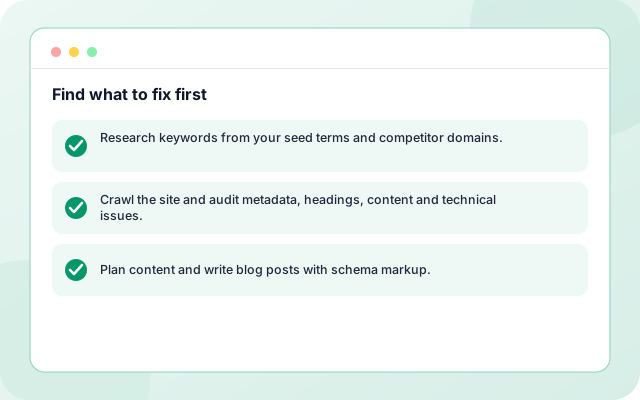
Find what to fix first
A crawl and audit list metadata, heading and technical issues in priority order.
- Research keywords from your seed terms and competitor domains.
- Crawl the site and audit metadata, headings, content and technical issues.
- Plan content and write blog posts with schema markup.
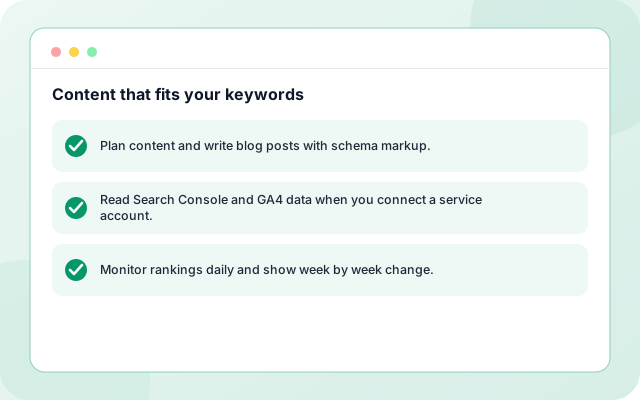
Content that fits your keywords
The workflow plans content and writes posts with schema markup from your seed keywords.
- Plan content and write blog posts with schema markup.
- Read Search Console and GA4 data when you connect a service account.
- Monitor rankings daily and show week by week change.
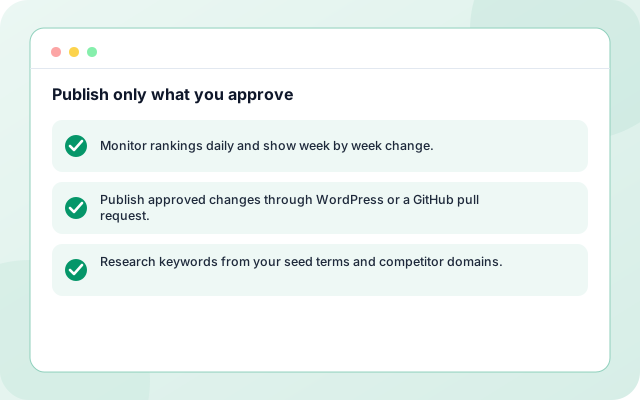
Publish only what you approve
Changes pass a quality gate, wait for your review and publish through WordPress or a GitHub pull request.
- Monitor rankings daily and show week by week change.
- Publish approved changes through WordPress or a GitHub pull request.
- Research keywords from your seed terms and competitor domains.
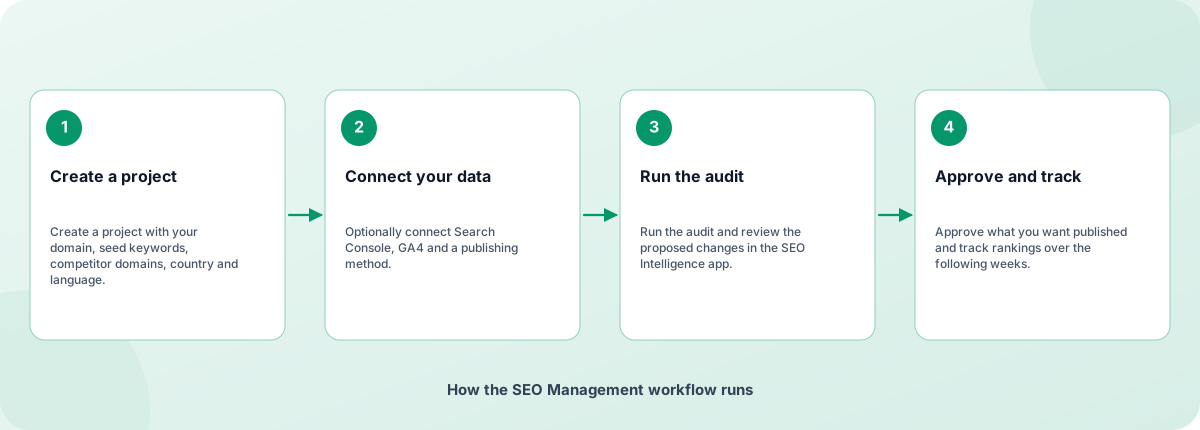
From sign-in to a running workflow
Setup is guided. Nothing runs until you review the settings and enable it.
- Create a project: Create a project with your domain, seed keywords, competitor domains, country and language.
- Connect your data: Optionally connect Search Console, GA4 and a publishing method.
- Run the audit: Run the audit and review the proposed changes in the SEO Intelligence app.
- Approve and track: Approve what you want published and track rankings over the following weeks.
How the SEO Management workflow runs
How SEO Management is built
SEO Management is a template on the Coderva workflow platform: a guided setup writes the configuration, agents do the work, and every run is stored in the execution history.
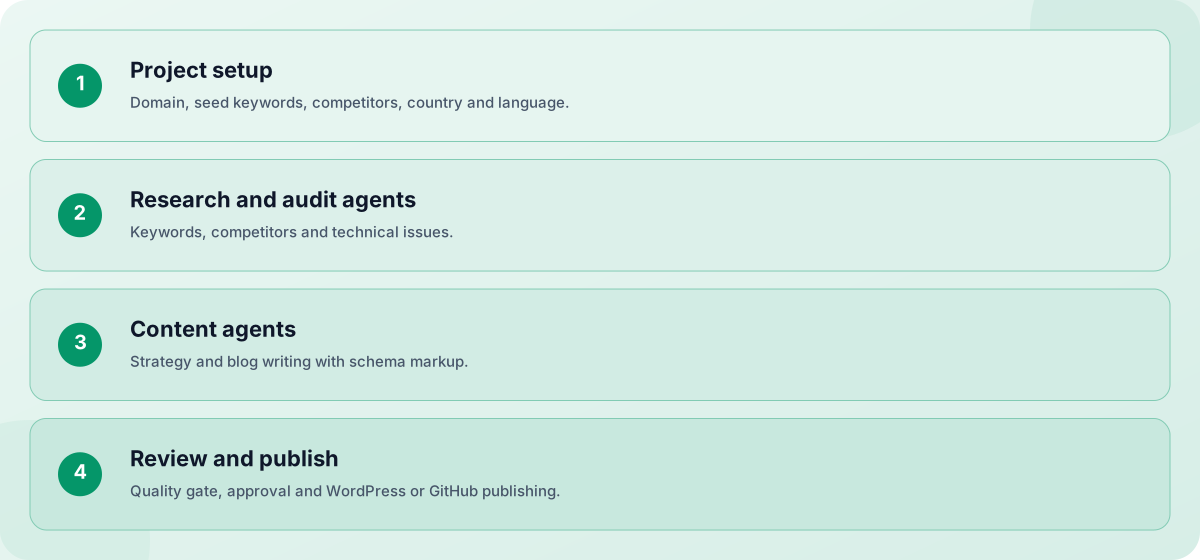
- Project setup: Domain, seed keywords, competitors, country and language.
- Research and audit agents: Keywords, competitors and technical issues.
- Content agents: Strategy and blog writing with schema markup.
- Review and publish: Quality gate, approval and WordPress or GitHub publishing.
Screens you will use
Everything is managed from the workflow page after you sign in.
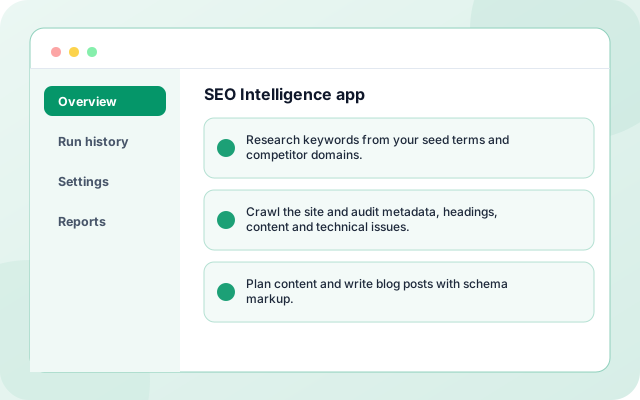
SEO Intelligence app
Audits, changes and rank movement for every website.
- Research keywords from your seed terms and competitor domains.
- Crawl the site and audit metadata, headings, content and technical issues.
- Plan content and write blog posts with schema markup.
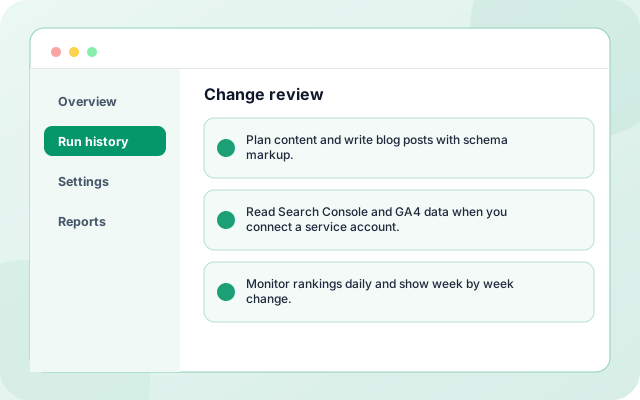
Change review
Approve or reject each proposed page change.
- Plan content and write blog posts with schema markup.
- Read Search Console and GA4 data when you connect a service account.
- Monitor rankings daily and show week by week change.
What teams switch on first
Each capability can be used on its own.
- Keyword research: Research keywords from your seed terms and competitor domains.
- Site audit: Crawl the site and audit metadata, headings, content and technical issues.
- Content strategy: Plan content and write blog posts with schema markup.
- Search Console and GA4: Read Search Console and GA4 data when you connect a service account.
- Rank monitoring: Monitor rankings daily and show week by week change.
- Publishing: Publish approved changes through WordPress or a GitHub pull request.
Systems it works with
Connections this template uses today.
- Google Search Console
- Google Analytics 4
- WordPress
- GitHub pull requests
- Serper search results
Control and checks built in
Nothing is published without your approval. Credentials are stored in a website-scoped secret store, not in the workflow, and each website has independent workflows.
- Will it guarantee higher rankings?: No. It finds and fixes issues and creates content using good practice, but search rankings depend on factors nobody controls.
- Can it publish changes for me?: Yes, after you approve them. It can publish through WordPress or open a GitHub pull request for your team to merge.
- Where do I follow progress?: In the SEO Intelligence app, which shows audits, changes and rank movement for every website.
What is in SEO Management
- Keyword research: Research keywords from your seed terms and competitor domains.
- Site audit: Crawl the site and audit metadata, headings, content and technical issues.
- Content strategy: Plan content and write blog posts with schema markup.
- Search Console and GA4: Read Search Console and GA4 data when you connect a service account.
- Rank monitoring: Monitor rankings daily and show week by week change.
- Publishing: Publish approved changes through WordPress or a GitHub pull request.
Frequently asked questions
Will it guarantee higher rankings?
No. It finds and fixes issues and creates content using good practice, but search rankings depend on factors nobody controls.
Can it publish changes for me?
Yes, after you approve them. It can publish through WordPress or open a GitHub pull request for your team to merge.
Where do I follow progress?
In the SEO Intelligence app, which shows audits, changes and rank movement for every website.