What this agent helps with
- Save lecture notes with auto-generated summary, key notes, and quiz questions
- Get quiz questions by subject for exam preparation
- Browse all lectures for a subject with date and topic filters
- Search across all lecture content by keyword or topic
- Get quick revision notes — summary + key concepts — without full transcript
- Track all assignments across subjects in one view
- Add quiz questions or assignments to an existing lecture
- See all subjects studied with lecture counts and last date
- Get a full lecture including transcript, notes, quiz, and assignments
- Delete or update a previously saved lecture
Tools it uses
This template uses: College_info_v2, Current-session, Lectures, Classroom-query.
- College_info_v2: a built-in Coderva tool.
- Current-session: a built-in Coderva tool.
- Lectures: a built-in Coderva tool.
- Classroom-query: a built-in Coderva tool.
How to use it
- Sign in and open Agent Studio, then choose Templates.
- Select Classroom Agent and review its instructions and tools.
- Add any data or files it needs, and adjust the instructions to your wording.
- Try a few real questions in chat, then deploy the agent and share it with your team.
Good to know
You control the instructions, the tools and the data this agent can use.
- College_info_v2: College_info_v2: a built-in Coderva tool.
- Current-session: Current-session: a built-in Coderva tool.
- Lectures: Lectures: a built-in Coderva tool.
What the Classroom agent gives you
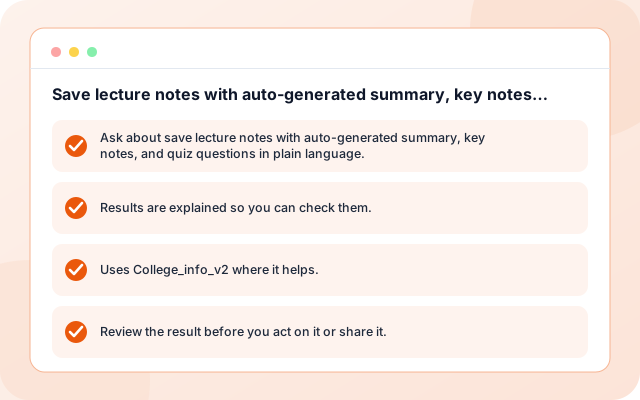
Save lecture notes with auto-generated summary, key notes, and quiz questions
Use the Classroom Agent for save lecture notes with auto-generated summary, key notes, and quiz questions, with instructions and tools you can adjust.
- Ask about save lecture notes with auto-generated summary, key notes, and quiz questions in plain language.
- Results are explained so you can check them.
- Uses College_info_v2 where it helps.
- Review the result before you act on it or share it.
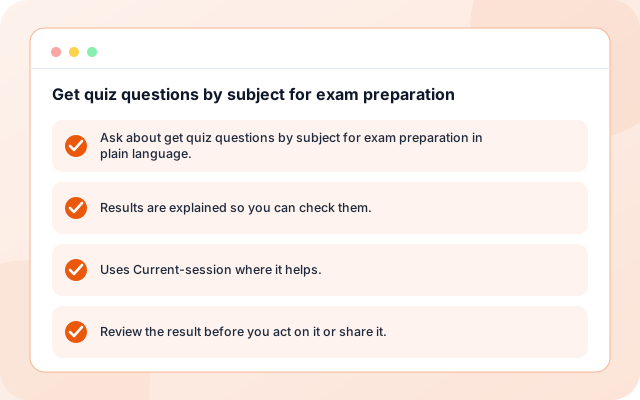
Get quiz questions by subject for exam preparation
Use the Classroom Agent for get quiz questions by subject for exam preparation, with instructions and tools you can adjust.
- Ask about get quiz questions by subject for exam preparation in plain language.
- Results are explained so you can check them.
- Uses Current-session where it helps.
- Review the result before you act on it or share it.
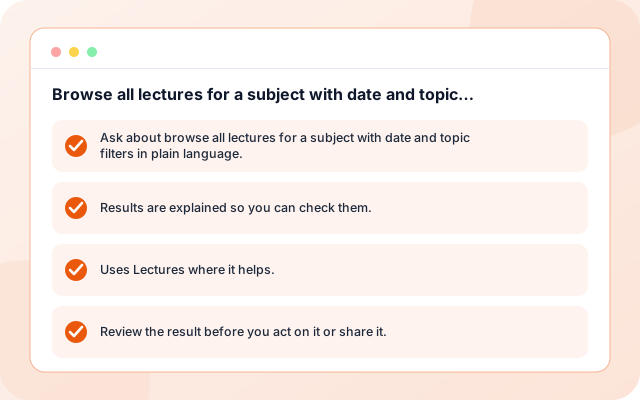
Browse all lectures for a subject with date and topic filters
Use the Classroom Agent for browse all lectures for a subject with date and topic filters, with instructions and tools you can adjust.
- Ask about browse all lectures for a subject with date and topic filters in plain language.
- Results are explained so you can check them.
- Uses Lectures where it helps.
- Review the result before you act on it or share it.
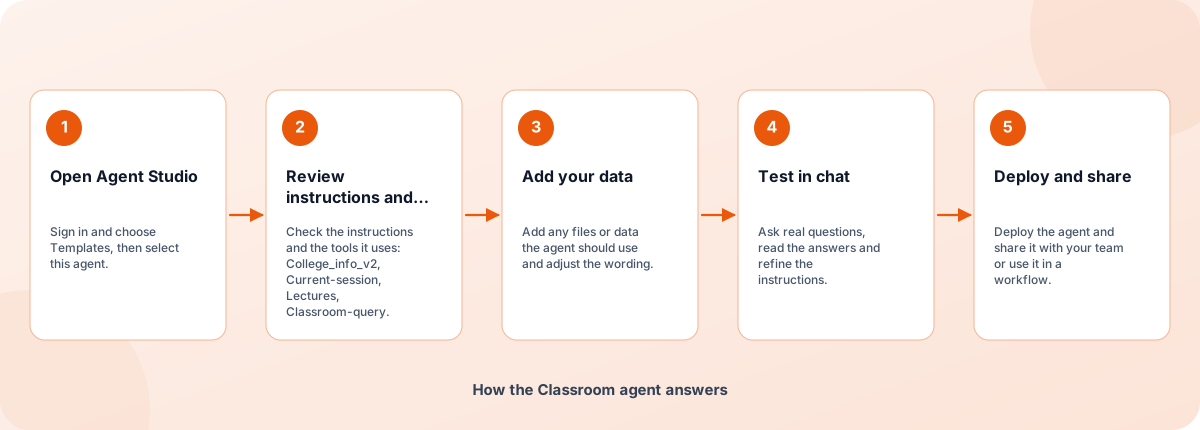
From template to deployed agent
Start from the template, make it yours and deploy when you are happy with how it answers.
- Open Agent Studio: Sign in and choose Templates, then select this agent.
- Review instructions and tools: Check the instructions and the tools it uses: College_info_v2, Current-session, Lectures, Classroom-query.
- Add your data: Add any files or data the agent should use and adjust the wording.
- Test in chat: Ask real questions, read the answers and refine the instructions.
- Deploy and share: Deploy the agent and share it with your team or use it in a workflow.
How the Classroom agent answers
How the Classroom agent is built
An agent template is a set of instructions, tools and example tasks on the Coderva agent platform. You can edit every layer.
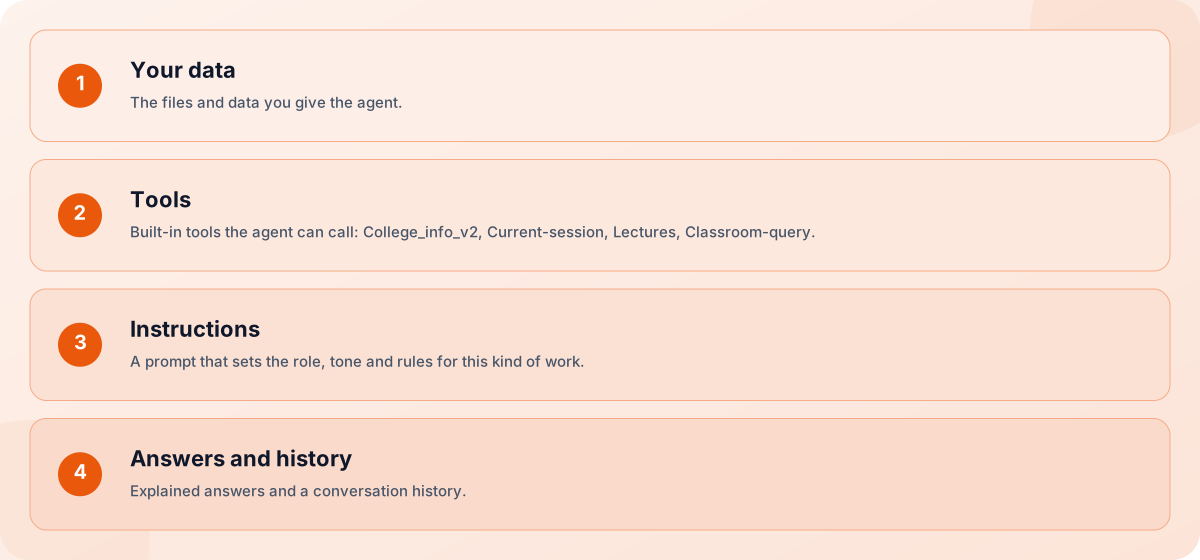
- Your data: The files and data you give the agent.
- Tools: Built-in tools the agent can call: College_info_v2, Current-session, Lectures, Classroom-query.
- Instructions: A prompt that sets the role, tone and rules for this kind of work.
- Answers and history: Explained answers and a conversation history.
Screens you will use
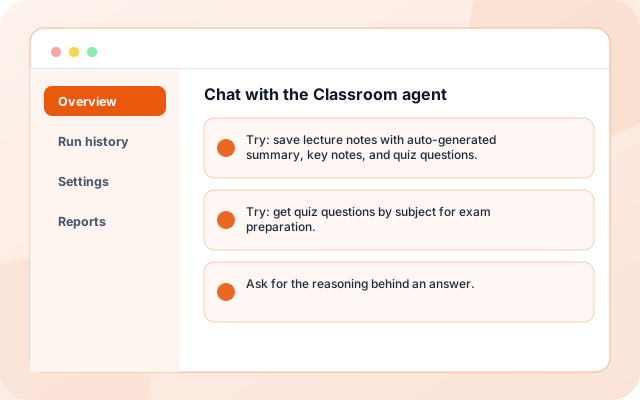
You work with the agent in Agent Studio and in chat.
Chat with the Classroom agent
Ask a question and read the answer.
- Try: save lecture notes with auto-generated summary, key notes, and quiz questions.
- Try: get quiz questions by subject for exam preparation.
- Ask for the reasoning behind an answer.
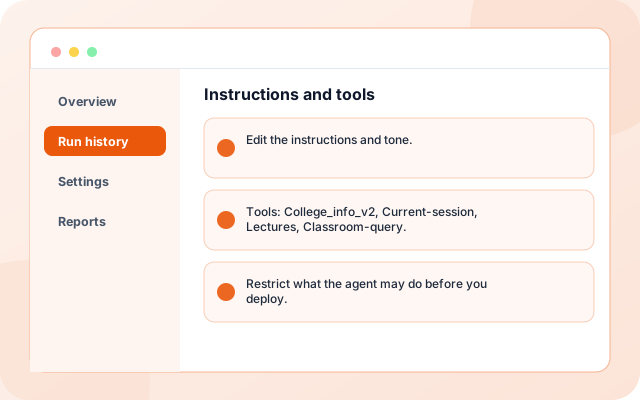
Instructions and tools
Adjust how the agent behaves.
- Edit the instructions and tone.
- Tools: College_info_v2, Current-session, Lectures, Classroom-query.
- Restrict what the agent may do before you deploy.
What teams ask it first
Starting use cases that come with the template. Add your own.
- Save lecture notes with auto-generated summary, key notes, and quiz questions: Use the Classroom Agent for save lecture notes with auto-generated summary, key notes, and quiz questions, with instructions and tools you can adjust.
- Get quiz questions by subject for exam preparation: Use the Classroom Agent for get quiz questions by subject for exam preparation, with instructions and tools you can adjust.
- Browse all lectures for a subject with date and topic filters: Use the Classroom Agent for browse all lectures for a subject with date and topic filters, with instructions and tools you can adjust.
- Search across all lecture content by keyword or topic: Use the Classroom Agent for search across all lecture content by keyword or topic, with instructions and tools you can adjust.
- Share with your team: Deploy the agent to a link or embed it in a workflow.
- Keep a history: Every conversation is stored so you can review what was asked and answered.
What it connects to
Tools and data this agent uses.
- College_info_v2
- Current-session
- Lectures
- Classroom-query
Control and checks built in
You decide what the agent can see and do, and how its answers are used.
- You control the data: The agent only uses the files, data and tools you give it.
- Cite or say so: The instructions tell the agent to cite its sources and to say when it cannot find an answer.
- Editable and testable: Edit the instructions and test in chat before you share the agent.
What is in the Classroom agent
- College_info_v2: A built-in Coderva tool.
- Current-session: A built-in Coderva tool.
- Lectures: A built-in Coderva tool.
- Classroom-query: A built-in Coderva tool.
- Customisable: Instructions, tone and tools are editable in Agent Studio.
- Deployable: Deploy to a link, share it with your team or use it in workflows.
Frequently asked questions
What is the Classroom Agent?
AI assistant for managing college information, current session details, and lecture data with integrated tools. It is a advanced-level agent template you can customise in Agent Studio.
What does the Classroom Agent need to work?
It uses College_info_v2, Current-session, Lectures, Classroom-query. Some tools need your own account or files, which you add when you set the agent up.
Can I change the instructions and tools?
Yes. Everything is editable in Agent Studio before and after you deploy, so you can tune the tone, add tools and restrict what the agent may do.