What the Marketing & Social Posting template does
- Write post or email copy from your objective, hashtags and audience (generic, a company or a person).
- Generate marketing images that match the message.
- Email an approver a preview with one-click Approve or Reject.
- Publish approved content by email, to a Facebook Page or to Instagram.
- Run on a schedule or on demand, with live progress in the execution history.
How to set it up
- Open the template and describe the campaign objective, hashtags and audience.
- Choose where to publish and connect your sender email, Facebook Page or Instagram account.
- Set the approver and, if you want, a schedule.
- Run it, review the emailed preview and approve to publish.
What you need
- A campaign objective and the audience you want to reach.
- For Facebook or Instagram: a Page ID and access token, and an Instagram business account ID.
- An approver email address.
Control and safety
Nothing is published without approval. Social credentials are stored server side and used only to publish the posts you approve. Instagram posts need an image.
- Copy and images: Write the post and generate an image from your objective.
- Approve before posting: An approver gets a preview and approves or rejects with one click.
- Email, Facebook, Instagram: Publish to an email list, a Facebook Page or an Instagram account.
What the Marketing & Social Posting template gives you
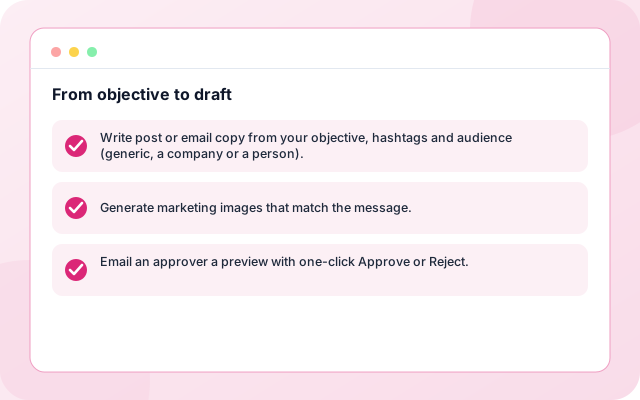
From objective to draft
Write the post or email and generate an image that matches the message.
- Write post or email copy from your objective, hashtags and audience (generic, a company or a person).
- Generate marketing images that match the message.
- Email an approver a preview with one-click Approve or Reject.
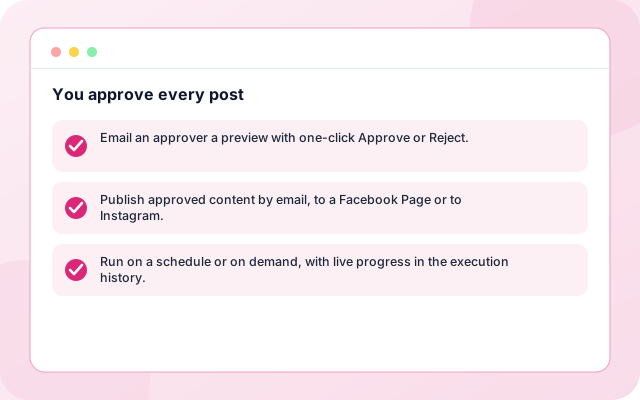
You approve every post
The approver gets a preview and approves or rejects with one click.
- Email an approver a preview with one-click Approve or Reject.
- Publish approved content by email, to a Facebook Page or to Instagram.
- Run on a schedule or on demand, with live progress in the execution history.
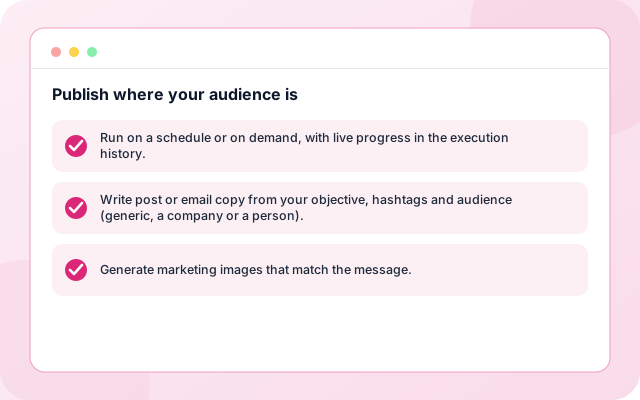
Publish where your audience is
Publish to an email list, a Facebook Page or an Instagram business account.
- Run on a schedule or on demand, with live progress in the execution history.
- Write post or email copy from your objective, hashtags and audience (generic, a company or a person).
- Generate marketing images that match the message.
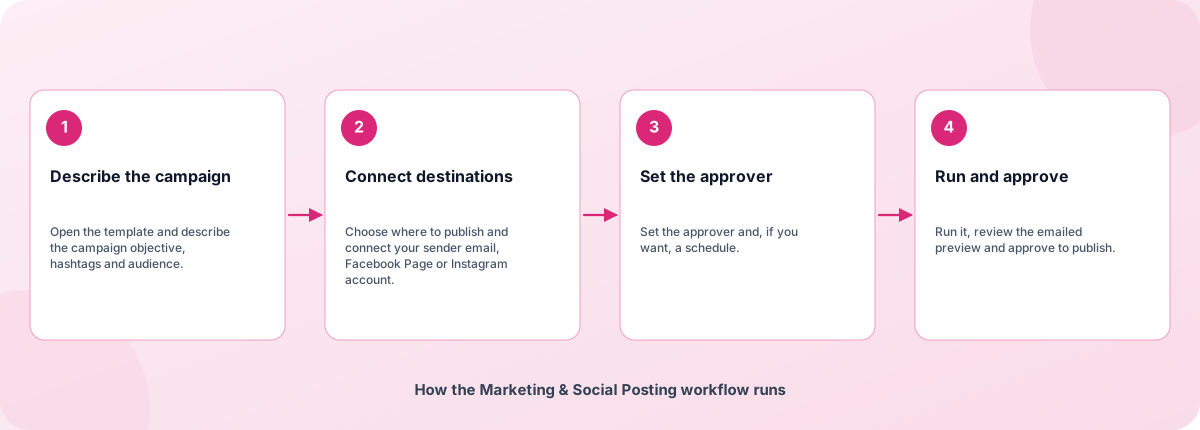
From sign-in to a running workflow
Setup is guided. Nothing runs until you review the settings and enable it.
- Describe the campaign: Open the template and describe the campaign objective, hashtags and audience.
- Connect destinations: Choose where to publish and connect your sender email, Facebook Page or Instagram account.
- Set the approver: Set the approver and, if you want, a schedule.
- Run and approve: Run it, review the emailed preview and approve to publish.
How the Marketing & Social Posting workflow runs
How Marketing & Social Posting is built
Marketing & Social Posting is a template on the Coderva workflow platform: a guided setup writes the configuration, agents do the work, and every run is stored in the execution history.
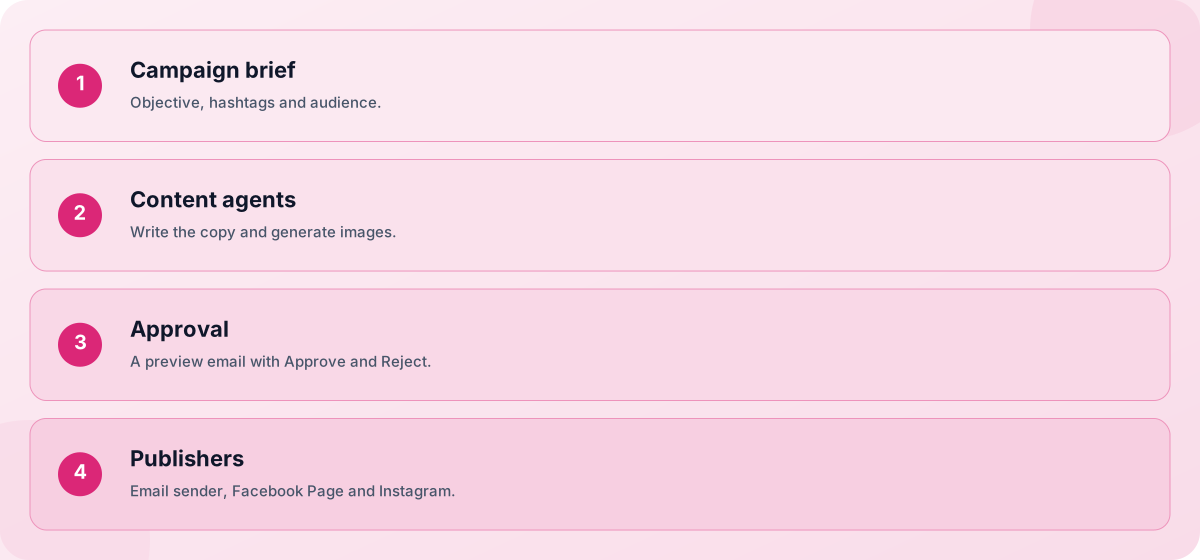
- Campaign brief: Objective, hashtags and audience.
- Content agents: Write the copy and generate images.
- Approval: A preview email with Approve and Reject.
- Publishers: Email sender, Facebook Page and Instagram.
Screens you will use
Everything is managed from the workflow page after you sign in.
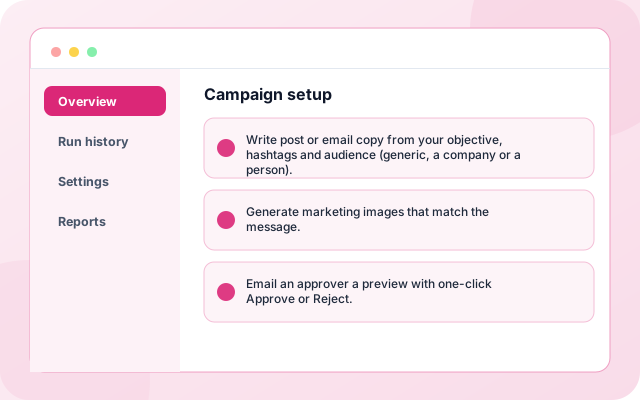
Campaign setup
Objective, audience, schedule and approver.
- Write post or email copy from your objective, hashtags and audience (generic, a company or a person).
- Generate marketing images that match the message.
- Email an approver a preview with one-click Approve or Reject.
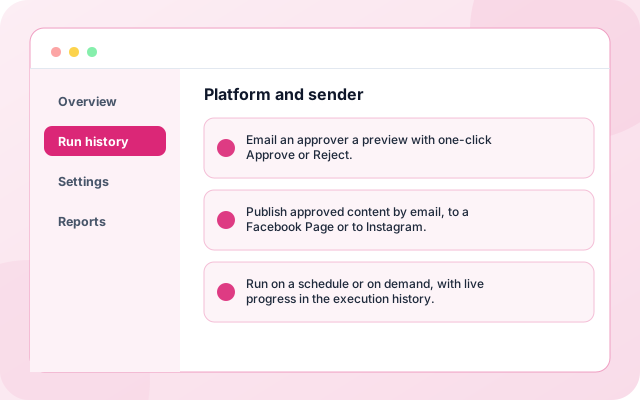
Platform and sender
Choose destinations and connect each one.
- Email an approver a preview with one-click Approve or Reject.
- Publish approved content by email, to a Facebook Page or to Instagram.
- Run on a schedule or on demand, with live progress in the execution history.
What teams switch on first
Each capability can be used on its own.
- Copy generation: Write post or email copy from your objective, hashtags and audience (generic, a company or a person).
- Image generation: Generate marketing images that match the message.
- Approval email: Email an approver a preview with one-click Approve or Reject.
- Email publishing: Publish approved content by email, to a Facebook Page or to Instagram.
- Facebook and Instagram: Run on a schedule or on demand, with live progress in the execution history.
- Schedules: An approver email address.
Systems it works with
Connections this template uses today.
- SMTP sender
- Facebook Pages
- Instagram business accounts
- Gemini content models
Control and checks built in
Nothing is published without approval. Social credentials are stored server side and used only to publish the posts you approve. Instagram posts need an image.
- Can it post to LinkedIn or X?: Not yet. Email, Facebook Pages and Instagram are available today.
- Who approves the post?: The approver you name receives a preview by email and approves or rejects it with one click.
- Does it create Facebook ad campaigns?: No. It publishes organic posts to a Page. Paid ad campaigns are not part of this template.
What is in Marketing & Social Posting
- Copy generation: Write post or email copy from your objective, hashtags and audience (generic, a company or a person).
- Image generation: Generate marketing images that match the message.
- Approval email: Email an approver a preview with one-click Approve or Reject.
- Email publishing: Publish approved content by email, to a Facebook Page or to Instagram.
- Facebook and Instagram: Run on a schedule or on demand, with live progress in the execution history.
Frequently asked questions
Can it post to LinkedIn or X?
Not yet. Email, Facebook Pages and Instagram are available today.
Who approves the post?
The approver you name receives a preview by email and approves or rejects it with one click.
Does it create Facebook ad campaigns?
No. It publishes organic posts to a Page. Paid ad campaigns are not part of this template.