What you can do in Enterprise Search
- Connect a PostgreSQL or MySQL database with a read-only user and search the text columns of your tables.
- Connect GitHub, Confluence, Jira, Slack, Notion and Google Drive with your own tokens.
- Search every connected source at once and see which source each result came from.
- Ask questions in chat and get a short answer with citations to the rows and pages it used.
- See per-source status, so one unavailable source never hides results from the others.
- Use the same connected sources from agents that have the Enterprise Search tool.
How to get started
- Sign in and open the Enterprise Search app, then go to the Sources tab.
- Connect your database or an app: enter the host, database name, read-only username and password, or the app token.
- Press Test connection to confirm Coderva can read it.
- Search from the search box, or switch to Chat and ask a question about your data.
Searching a database safely
Database search builds read-only SELECT queries itself, using bound parameters, so the words you type are never run as SQL. Create a database user that can only SELECT, optionally list the tables you want searchable, and the app looks for your words in the text columns of those tables. Passwords are encrypted at rest and never shown again. The database must accept connections from the internet, and private network addresses are blocked on purpose.
Answers you can check
In Chat, the answer is written only from the results found, with citation numbers you can open. When the sources do not contain the answer, it says so instead of guessing, and you can refine the question or connect another source.
Who it is for
Teams that keep customer records in a database, documents in Confluence or Notion, work items in Jira and code in GitHub, and want one place to ask where something is, who raised it or what the latest status was.
- One search box: Search every connected source at once.
- Chat with citations: Ask a question and get an answer with numbered sources.
- Read-only database access: Queries are built by Coderva with bound parameters.
What Enterprise Search gives you
Connect in minutes
Database search builds read-only SELECT queries itself, using bound parameters, so the words you type are never run as SQL. Create a database user that can only SELECT, optionally list the tables you want searchable, and the app looks for your words in the text columns of those tables. Passwords are encrypted at rest a
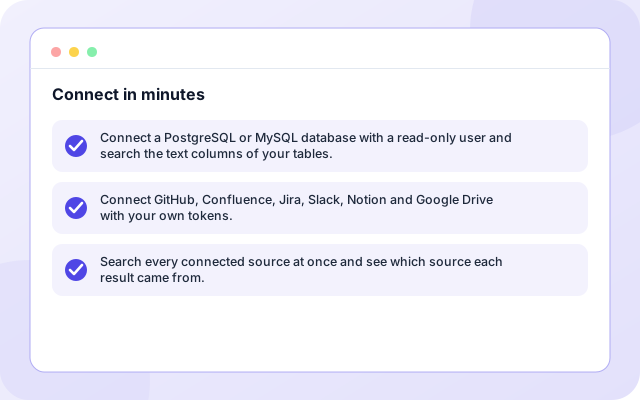
- Connect a PostgreSQL or MySQL database with a read-only user and search the text columns of your tables.
- Connect GitHub, Confluence, Jira, Slack, Notion and Google Drive with your own tokens.
- Search every connected source at once and see which source each result came from.
Search or ask
In Chat, the answer is written only from the results found, with citation numbers you can open. When the sources do not contain the answer, it says so instead of guessing, and you can refine the question or connect another source.
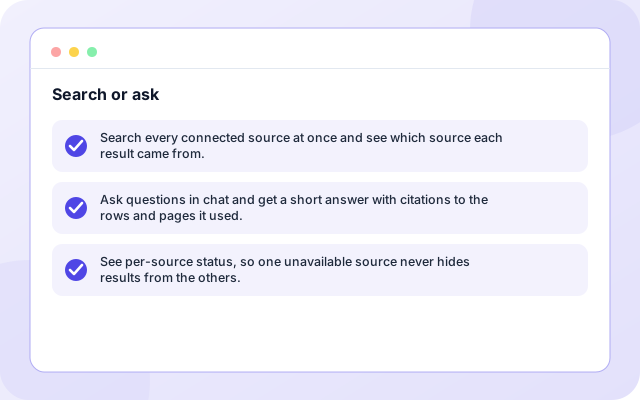
- Search every connected source at once and see which source each result came from.
- Ask questions in chat and get a short answer with citations to the rows and pages it used.
- See per-source status, so one unavailable source never hides results from the others.
Safe by design
Teams that keep customer records in a database, documents in Confluence or Notion, work items in Jira and code in GitHub, and want one place to ask where something is, who raised it or what the latest status was.
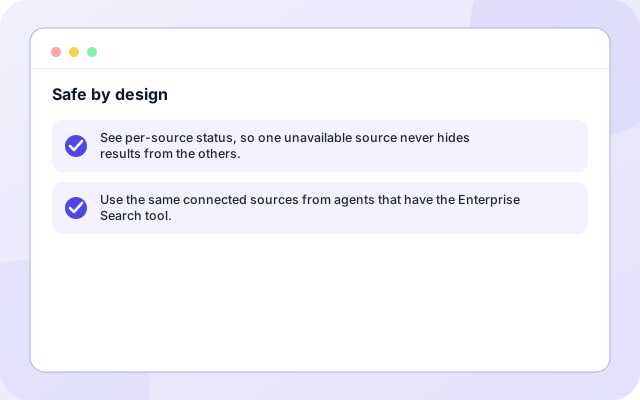
- See per-source status, so one unavailable source never hides results from the others.
- Use the same connected sources from agents that have the Enterprise Search tool.
How it works
Four steps from sign-in to results.
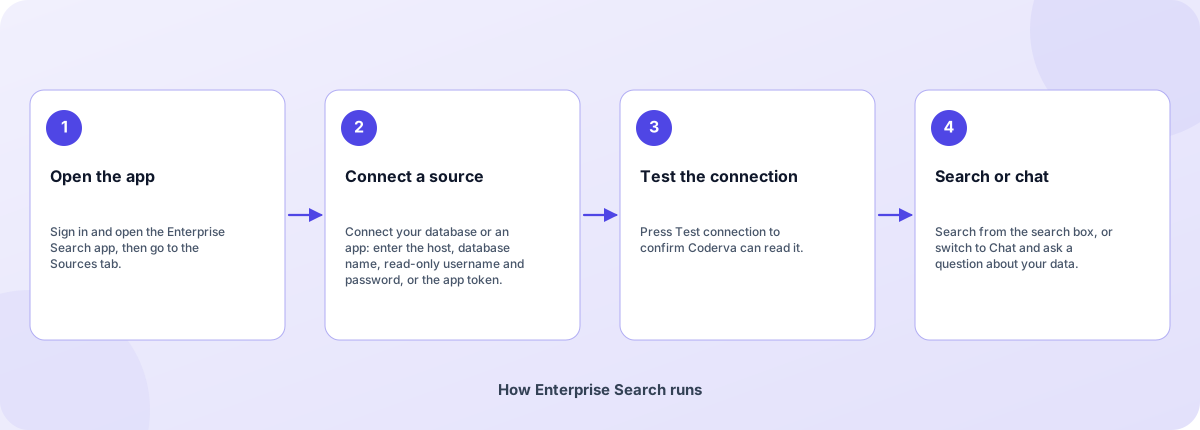
- Open the app: Sign in and open the Enterprise Search app, then go to the Sources tab.
- Connect a source: Connect your database or an app: enter the host, database name, read-only username and password, or the app token.
- Test the connection: Press Test connection to confirm Coderva can read it.
- Search or chat: Search from the search box, or switch to Chat and ask a question about your data.
How Enterprise Search runs
How Enterprise Search is built
Enterprise Search runs on the Coderva platform. Each layer below can be changed without touching the others.
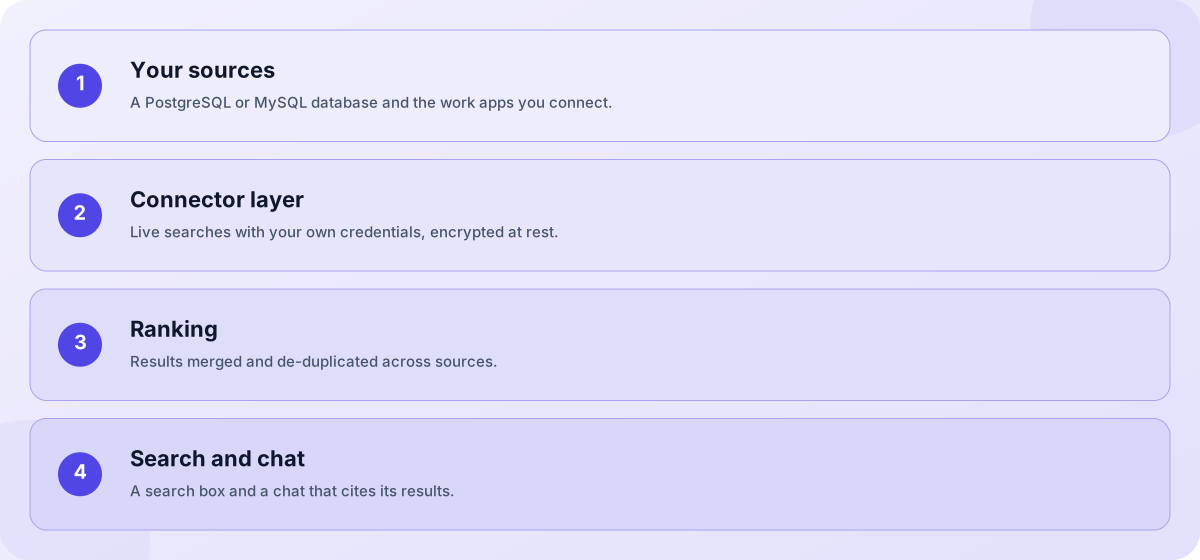
- Your sources: A PostgreSQL or MySQL database and the work apps you connect.
- Connector layer: Live searches with your own credentials, encrypted at rest.
- Ranking: Results merged and de-duplicated across sources.
- Search and chat: A search box and a chat that cites its results.
Screens you will use
Open the app after you sign in.
What you can do in Enterprise Search
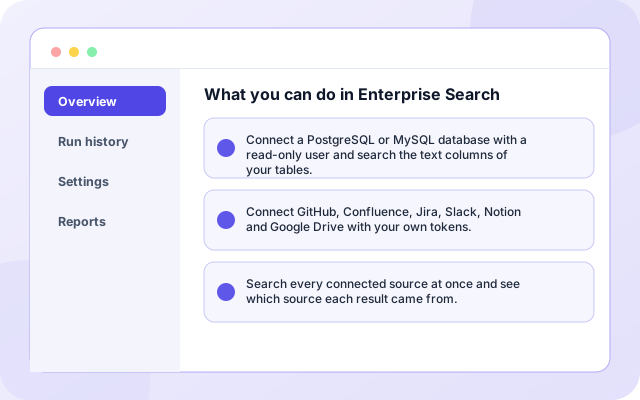
Connect a PostgreSQL or MySQL database with a read-only user and search the text columns of your tables.
- Connect a PostgreSQL or MySQL database with a read-only user and search the text columns of your tables.
- Connect GitHub, Confluence, Jira, Slack, Notion and Google Drive with your own tokens.
- Search every connected source at once and see which source each result came from.
Next steps
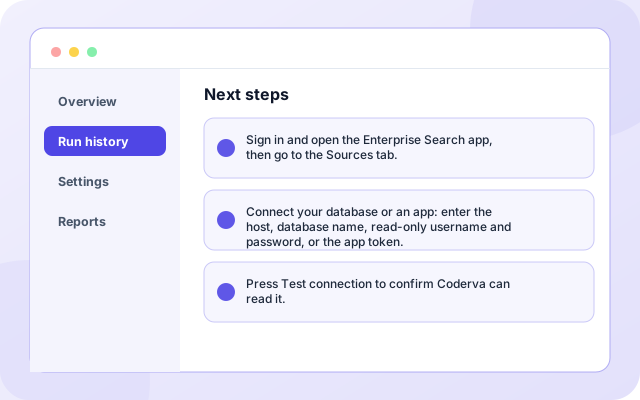
Sign in and open the Enterprise Search app, then go to the Sources tab.
- Sign in and open the Enterprise Search app, then go to the Sources tab.
- Connect your database or an app: enter the host, database name, read-only username and password, or the app token.
- Press Test connection to confirm Coderva can read it.
What teams use it for
Each capability can be used on its own.
- Database search: Connect a PostgreSQL or MySQL database with a read-only user and search the text columns of your tables.
- Work app search: Connect GitHub, Confluence, Jira, Slack, Notion and Google Drive with your own tokens.
- Cross-source results: Search every connected source at once and see which source each result came from.
- Cited chat answers: Ask questions in chat and get a short answer with citations to the rows and pages it used.
- Per-source status: See per-source status, so one unavailable source never hides results from the others.
- Agents that search: Use the same connected sources from agents that have the Enterprise Search tool.
What it connects to
Systems this page covers.
- PostgreSQL
- MySQL
- GitHub
- Confluence
- Jira
- Slack
- Notion
- Google Drive
Control and checks built in
You decide what is connected and what happens with it.
- Which databases can I connect?: PostgreSQL and MySQL. The database must be reachable from the internet, and a read-only user is recommended.
- Does Coderva copy my data?: No. Each search runs live against the source with your credentials, and results are shown to you without being stored as a copy.
- Can agents use the sources I connect here?: Yes. Agents that include the Enterprise Search tool read the same connected sources, and many agent templates are built around it.
What is in Enterprise Search
- Database search: Connect a PostgreSQL or MySQL database with a read-only user and search the text columns of your tables.
- Work app search: Connect GitHub, Confluence, Jira, Slack, Notion and Google Drive with your own tokens.
- Cross-source results: Search every connected source at once and see which source each result came from.
- Cited chat answers: Ask questions in chat and get a short answer with citations to the rows and pages it used.
- Per-source status: See per-source status, so one unavailable source never hides results from the others.
- Agents that search: Use the same connected sources from agents that have the Enterprise Search tool.
Frequently asked questions
Which databases can I connect?
PostgreSQL and MySQL. The database must be reachable from the internet, and a read-only user is recommended.
Does Coderva copy my data?
No. Each search runs live against the source with your credentials, and results are shown to you without being stored as a copy.
Can agents use the sources I connect here?
Yes. Agents that include the Enterprise Search tool read the same connected sources, and many agent templates are built around it.
Does it search numbers and dates?
Database search looks for your words in text columns. It does not search numeric or date columns.