What the Email Marketing template does
- Import contacts from CSV or Gmail and keep them in one list.
- Group contacts into cohorts by location, interest or engagement level.
- Personalise subject lines and body copy for each cohort.
- Run A/B tests and schedule sends for the time you choose.
- Handle bounces and report opens and clicks per campaign.
How to set it up
- Set up the sender email and display name, and connect Gmail if you want to import from it.
- Import your contacts and review the cohorts the agent proposes.
- Write or generate the campaign, add a test variant and pick the send time.
- Review the summary, activate the campaign and watch engagement in the history.
What you need
- A sender address you control and a contact list you have permission to email.
- A campaign goal and the offer you want to promote.
Control and safety
Nothing sends until you review and activate the campaign. You choose the cohorts, the timing and whether personalisation or A/B testing is on. Send only to people who have agreed to hear from you.
- AI cohorts: Group contacts by location, interest or engagement.
- Personalised copy: Personalise subject lines and copy for each cohort.
- A/B testing: Test variants and learn which one works.
What the Email Marketing template gives you
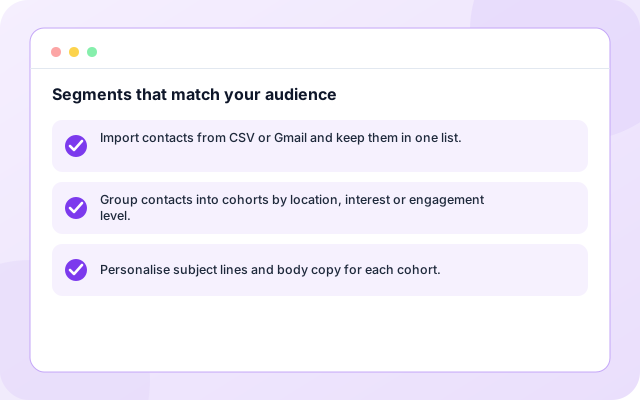
Segments that match your audience
Import from CSV or Gmail and the agent proposes cohorts you can review and edit.
- Import contacts from CSV or Gmail and keep them in one list.
- Group contacts into cohorts by location, interest or engagement level.
- Personalise subject lines and body copy for each cohort.
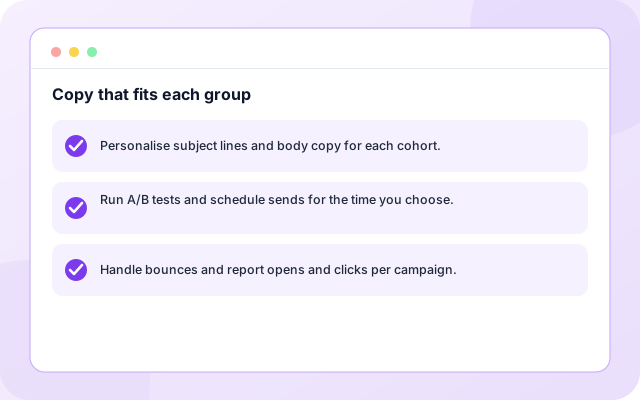
Copy that fits each group
Subject lines and body copy are personalised per cohort, or left exactly as you wrote them.
- Personalise subject lines and body copy for each cohort.
- Run A/B tests and schedule sends for the time you choose.
- Handle bounces and report opens and clicks per campaign.
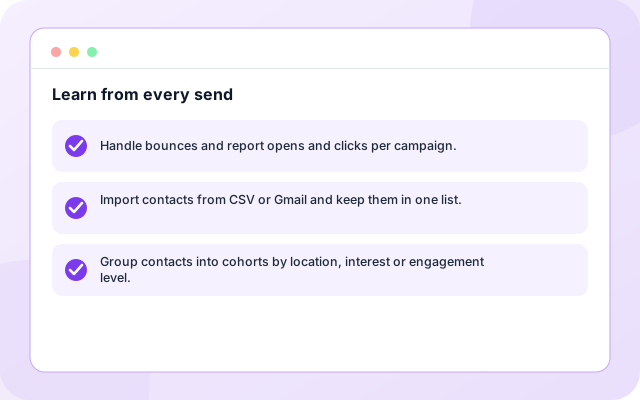
Learn from every send
Opens, clicks and bounces feed the next campaign.
- Handle bounces and report opens and clicks per campaign.
- Import contacts from CSV or Gmail and keep them in one list.
- Group contacts into cohorts by location, interest or engagement level.
From sign-in to a running workflow
Setup is guided. Nothing runs until you review the settings and enable it.
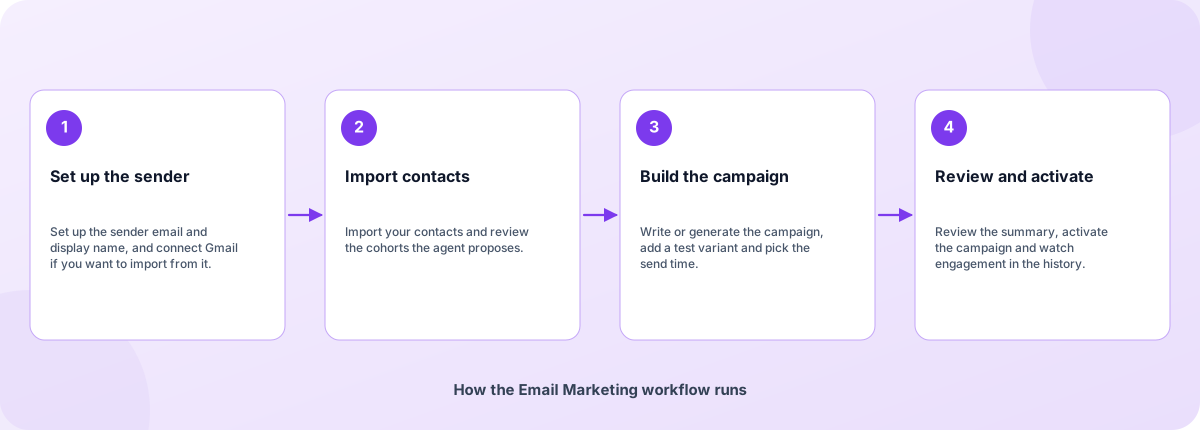
- Set up the sender: Set up the sender email and display name, and connect Gmail if you want to import from it.
- Import contacts: Import your contacts and review the cohorts the agent proposes.
- Build the campaign: Write or generate the campaign, add a test variant and pick the send time.
- Review and activate: Review the summary, activate the campaign and watch engagement in the history.
How the Email Marketing workflow runs
How Email Marketing is built
Email Marketing is a template on the Coderva workflow platform: a guided setup writes the configuration, agents do the work, and every run is stored in the execution history.
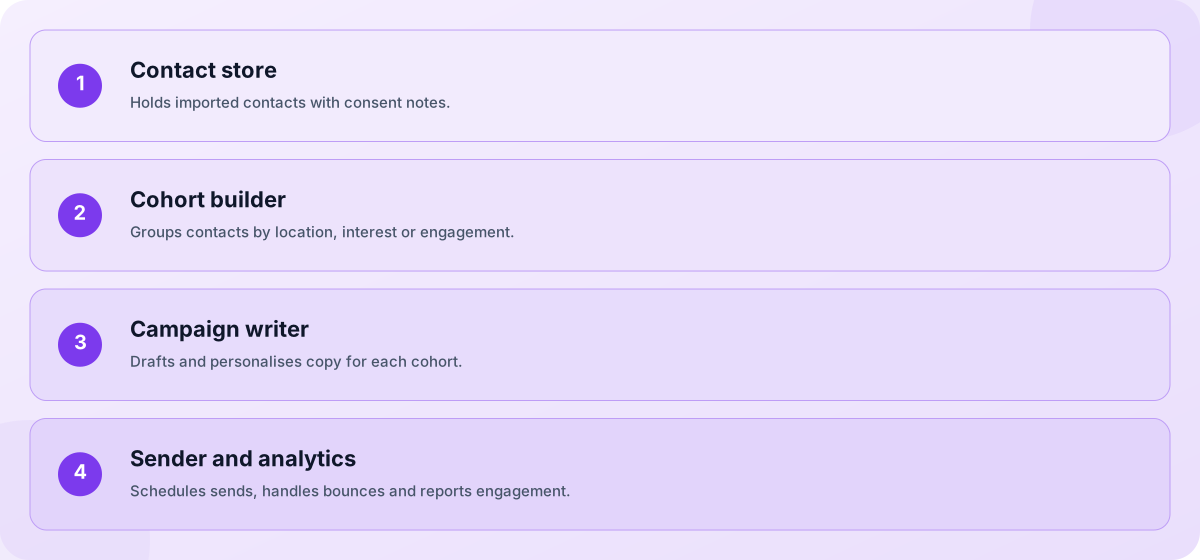
- Contact store: Holds imported contacts with consent notes.
- Cohort builder: Groups contacts by location, interest or engagement.
- Campaign writer: Drafts and personalises copy for each cohort.
- Sender and analytics: Schedules sends, handles bounces and reports engagement.
Screens you will use
Everything is managed from the workflow page after you sign in.
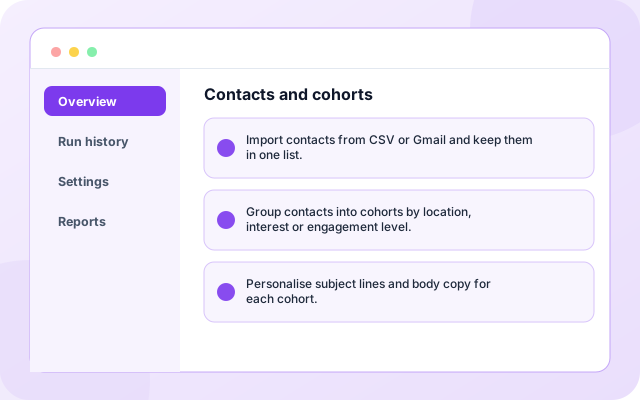
Contacts and cohorts
See imported contacts and the cohorts the agent proposes.
- Import contacts from CSV or Gmail and keep them in one list.
- Group contacts into cohorts by location, interest or engagement level.
- Personalise subject lines and body copy for each cohort.
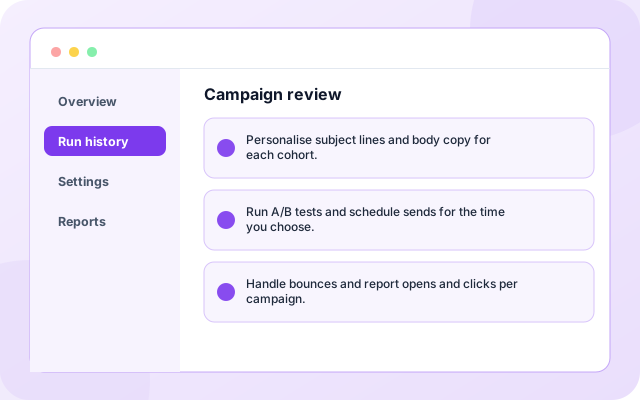
Campaign review
Check subject, copy, test variant and send time before activating.
- Personalise subject lines and body copy for each cohort.
- Run A/B tests and schedule sends for the time you choose.
- Handle bounces and report opens and clicks per campaign.
What teams switch on first
Each capability can be used on its own.
- Contact import: Import contacts from CSV or Gmail and keep them in one list.
- Cohort builder: Group contacts into cohorts by location, interest or engagement level.
- Personalisation: Personalise subject lines and body copy for each cohort.
- A/B tests: Run A/B tests and schedule sends for the time you choose.
- Send scheduling: Handle bounces and report opens and clicks per campaign.
- Bounce handling: A campaign goal and the offer you want to promote.
Systems it works with
Connections this template uses today.
- CSV import
- Gmail contacts
- SMTP sender
- Engagement analytics
Control and checks built in
Nothing sends until you review and activate the campaign. You choose the cohorts, the timing and whether personalisation or A/B testing is on. Send only to people who have agreed to hear from you.
- Where do my contacts come from?: You import them from a CSV file or from Gmail. Coderva does not supply contact lists.
- Can the agent change my copy automatically?: Personalisation is optional. With it off, each cohort receives exactly the copy you approved.
- How is this different from the marketing and social agent?: EMA manages contact lists and cohort-based sends over time. The marketing and social agent generates one campaign post from an objective and sends it after approval.
What is in Email Marketing
- Contact import: Import contacts from CSV or Gmail and keep them in one list.
- Cohort builder: Group contacts into cohorts by location, interest or engagement level.
- Personalisation: Personalise subject lines and body copy for each cohort.
- A/B tests: Run A/B tests and schedule sends for the time you choose.
- Send scheduling: Handle bounces and report opens and clicks per campaign.
Frequently asked questions
Where do my contacts come from?
You import them from a CSV file or from Gmail. Coderva does not supply contact lists.
Can the agent change my copy automatically?
Personalisation is optional. With it off, each cohort receives exactly the copy you approved.
How is this different from the marketing and social agent?
EMA manages contact lists and cohort-based sends over time. The marketing and social agent generates one campaign post from an objective and sends it after approval.