What the Auto Trading template does
- Score NSE stocks every 30 minutes using technical indicators.
- Place buy orders on high-conviction signals when auto trading is enabled.
- Manage trailing stop-losses, take-profit exits and square-offs.
- Run delivery or intraday workflows, each with its own capital and buckets.
- Run in virtual mode to test a strategy without real money.
- Keep a full execution history of every order considered, placed or skipped.
How to set it up
- Open the template and connect your Angel One credentials and network settings.
- Set capital, per-trade limits, risk controls and trading buckets.
- Start in virtual mode and review the results in the history.
- Switch to real trading only when you are comfortable with the limits.
What you need
- An Angel One account and API credentials.
- Capital and risk limits you have decided in advance.
Control and safety
Capital caps, per-trade limits, buckets and optional entry filters bound every decision. You can pause automation and return to manual trading at any time.
- Prediction signals: Technical indicators score NSE stocks through the day.
- Risk limits: Capital caps, per-trade limits and buckets bound every order.
- Virtual mode: Test the strategy without placing real orders.
What the Auto Trading template gives you
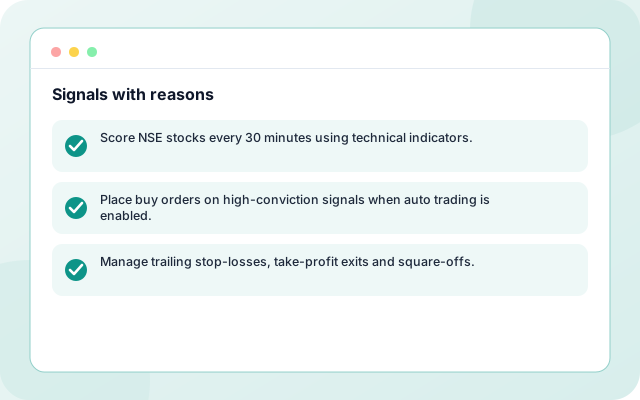
Signals with reasons
Technical indicators such as RSI, averages, momentum and ATR produce a score per stock.
- Score NSE stocks every 30 minutes using technical indicators.
- Place buy orders on high-conviction signals when auto trading is enabled.
- Manage trailing stop-losses, take-profit exits and square-offs.
Orders inside your limits
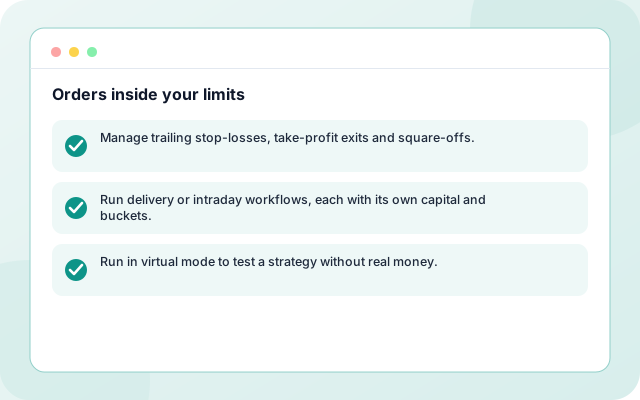
Capital caps, per-trade limits, buckets and stop-losses bound every order.
- Manage trailing stop-losses, take-profit exits and square-offs.
- Run delivery or intraday workflows, each with its own capital and buckets.
- Run in virtual mode to test a strategy without real money.
A record of every decision
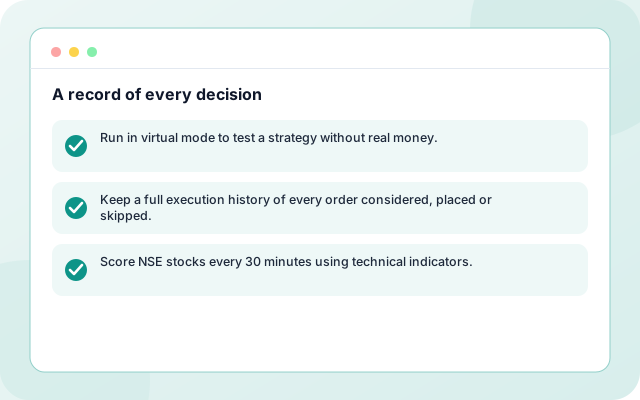
Each order considered, placed or skipped is in the execution history.
- Run in virtual mode to test a strategy without real money.
- Keep a full execution history of every order considered, placed or skipped.
- Score NSE stocks every 30 minutes using technical indicators.
From sign-in to a running workflow
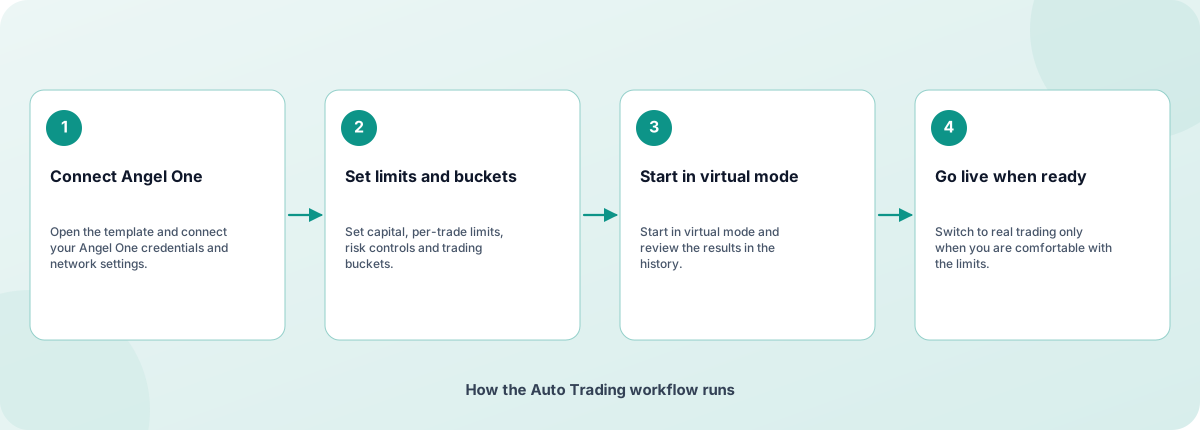
Setup is guided. Nothing runs until you review the settings and enable it.
- Connect Angel One: Open the template and connect your Angel One credentials and network settings.
- Set limits and buckets: Set capital, per-trade limits, risk controls and trading buckets.
- Start in virtual mode: Start in virtual mode and review the results in the history.
- Go live when ready: Switch to real trading only when you are comfortable with the limits.
How the Auto Trading workflow runs
How Auto Trading is built
Auto Trading is a template on the Coderva workflow platform: a guided setup writes the configuration, agents do the work, and every run is stored in the execution history.
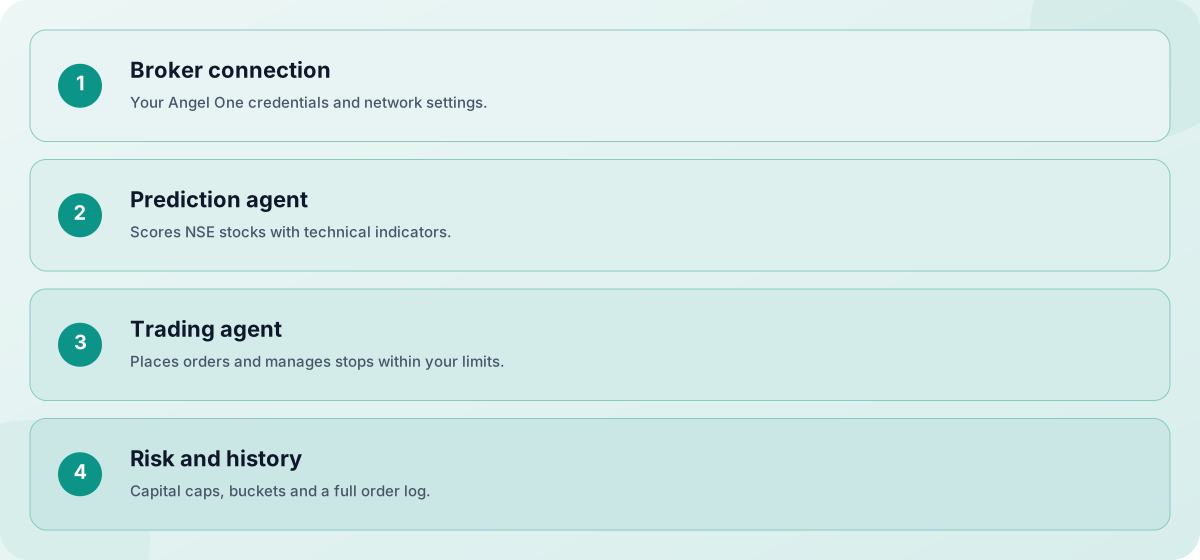
- Broker connection: Your Angel One credentials and network settings.
- Prediction agent: Scores NSE stocks with technical indicators.
- Trading agent: Places orders and manages stops within your limits.
- Risk and history: Capital caps, buckets and a full order log.
Screens you will use
Everything is managed from the workflow page after you sign in.
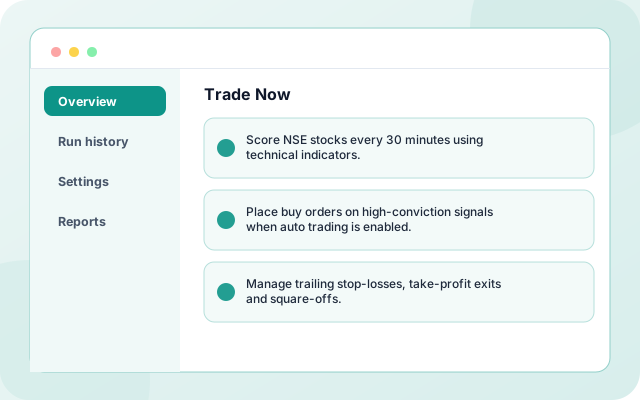
Trade Now
Review signals and place trades by hand.
- Score NSE stocks every 30 minutes using technical indicators.
- Place buy orders on high-conviction signals when auto trading is enabled.
- Manage trailing stop-losses, take-profit exits and square-offs.
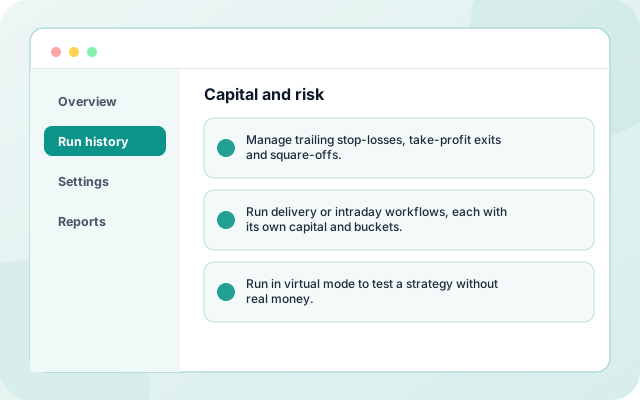
Capital and risk
Set limits, buckets and credentials.
- Manage trailing stop-losses, take-profit exits and square-offs.
- Run delivery or intraday workflows, each with its own capital and buckets.
- Run in virtual mode to test a strategy without real money.
What teams switch on first
Each capability can be used on its own.
- Prediction scores: Score NSE stocks every 30 minutes using technical indicators.
- Order placement: Place buy orders on high-conviction signals when auto trading is enabled.
- Stops and exits: Manage trailing stop-losses, take-profit exits and square-offs.
- Delivery and intraday: Run delivery or intraday workflows, each with its own capital and buckets.
- Virtual mode: Run in virtual mode to test a strategy without real money.
- Execution history: Keep a full execution history of every order considered, placed or skipped.
Systems it works with
Connections this template uses today.
- Angel One
- NSE market data
- Email alerts
- Trade history
Control and checks built in
Capital caps, per-trade limits, buckets and optional entry filters bound every decision. You can pause automation and return to manual trading at any time.
- Does it guarantee returns?: No. Signals are statistical estimates and all trading involves risk, including loss of capital.
- Can I try it without real money?: Yes. Virtual mode runs the full workflow without placing real orders.
- Which broker is supported?: Angel One. You connect your own account, and orders are placed there.
What is in Auto Trading
- Prediction scores: Score NSE stocks every 30 minutes using technical indicators.
- Order placement: Place buy orders on high-conviction signals when auto trading is enabled.
- Stops and exits: Manage trailing stop-losses, take-profit exits and square-offs.
- Delivery and intraday: Run delivery or intraday workflows, each with its own capital and buckets.
- Virtual mode: Run in virtual mode to test a strategy without real money.
- Execution history: Keep a full execution history of every order considered, placed or skipped.
Frequently asked questions
Does it guarantee returns?
No. Signals are statistical estimates and all trading involves risk, including loss of capital.
Can I try it without real money?
Yes. Virtual mode runs the full workflow without placing real orders.
Which broker is supported?
Angel One. You connect your own account, and orders are placed there.