What the AI Calling Agent template does
- Work through an uploaded contact list while respecting permitted calling hours and consent.
- Open every call by disclosing that it is an AI.
- Ask your qualifying questions and pitch only products and facts from your catalog.
- Book a demo when the contact agrees, and prepare the confirmation.
- Score every call for sentiment, objections, lead score and compliance.
How to set it up
- Enter your company, the agent's name and the caller ID.
- Add your product catalog, qualifying questions and calling rules.
- Upload a contact list with consent flags and run the simulated campaign.
- Review the transcripts, scores and booked demos, then refine the script.
What you need
- A product catalog with the facts the agent may quote.
- A contact list with consent recorded for each person.
- Your qualifying questions and calling hours.
Control and safety
The agent never quotes a price you did not enter, and it states that it is an AI. Live telephony is not connected yet, and legal review is needed before calling real people.
- Discloses it is an AI: Every call opens by stating it is an AI.
- Catalog facts only: Products and prices come only from your catalog.
- Scores every call: Sentiment, objections, lead quality and compliance for each call.
What the AI Calling Agent template gives you
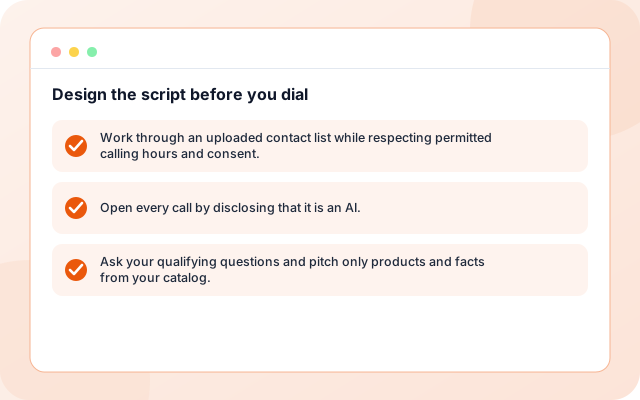
Design the script before you dial
Run a simulated campaign to see what the agent would say and book.
- Work through an uploaded contact list while respecting permitted calling hours and consent.
- Open every call by disclosing that it is an AI.
- Ask your qualifying questions and pitch only products and facts from your catalog.
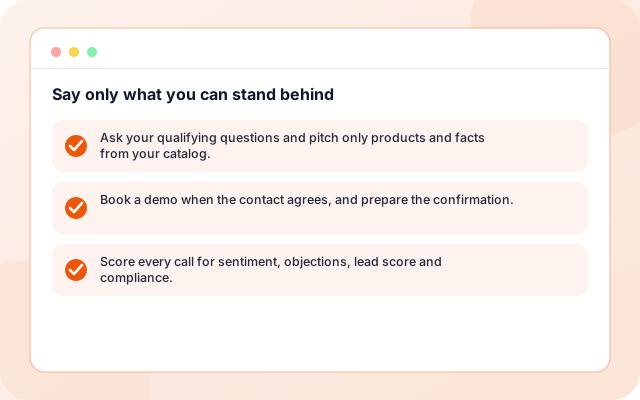
Say only what you can stand behind
Products come only from your catalog and a price you did not enter is never quoted.
- Ask your qualifying questions and pitch only products and facts from your catalog.
- Book a demo when the contact agrees, and prepare the confirmation.
- Score every call for sentiment, objections, lead score and compliance.
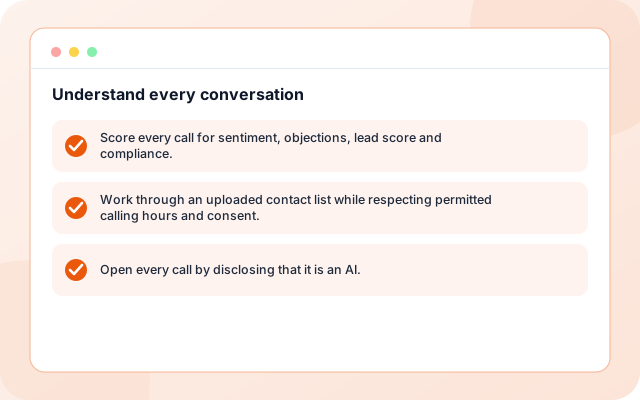
Understand every conversation
A companion agent scores sentiment, objections, lead quality and compliance.
- Score every call for sentiment, objections, lead score and compliance.
- Work through an uploaded contact list while respecting permitted calling hours and consent.
- Open every call by disclosing that it is an AI.
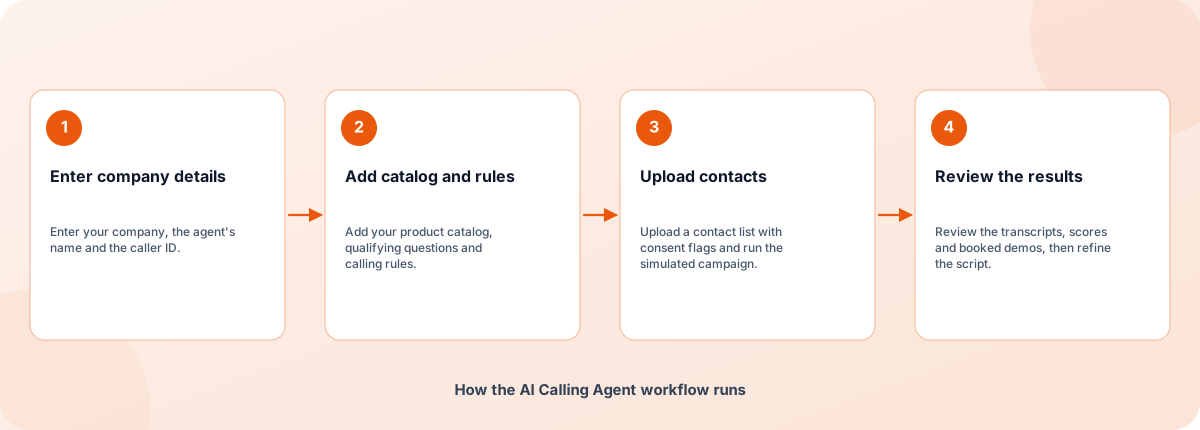
From sign-in to a running workflow
Setup is guided. Nothing runs until you review the settings and enable it.
- Enter company details: Enter your company, the agent's name and the caller ID.
- Add catalog and rules: Add your product catalog, qualifying questions and calling rules.
- Upload contacts: Upload a contact list with consent flags and run the simulated campaign.
- Review the results: Review the transcripts, scores and booked demos, then refine the script.
How the AI Calling Agent workflow runs
How AI Calling Agent is built
AI Calling Agent is a template on the Coderva workflow platform: a guided setup writes the configuration, agents do the work, and every run is stored in the execution history.
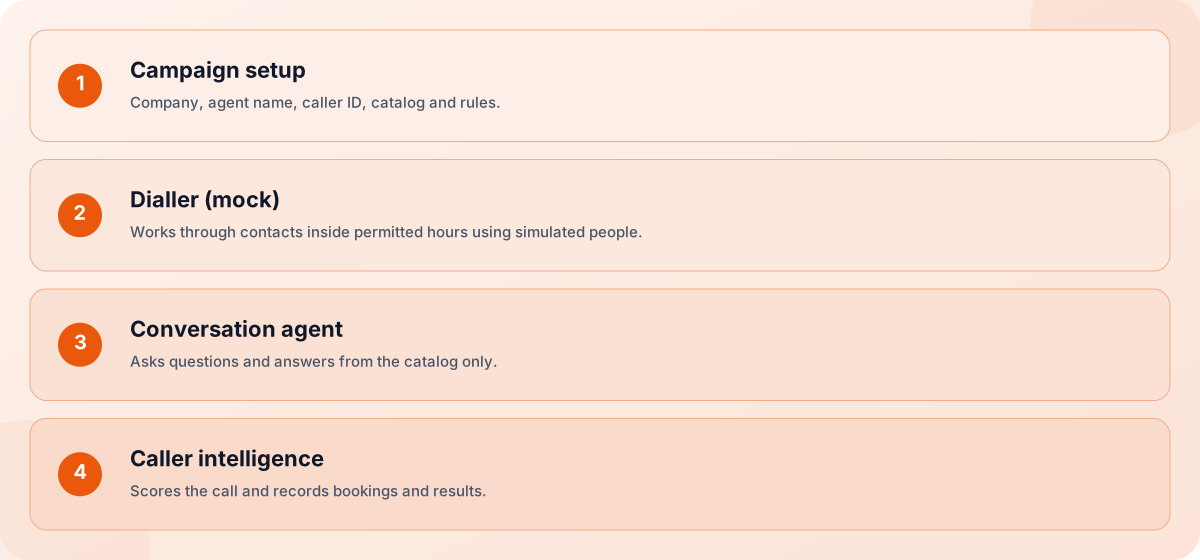
- Campaign setup: Company, agent name, caller ID, catalog and rules.
- Dialler (mock): Works through contacts inside permitted hours using simulated people.
- Conversation agent: Asks questions and answers from the catalog only.
- Caller intelligence: Scores the call and records bookings and results.
Screens you will use
Everything is managed from the workflow page after you sign in.
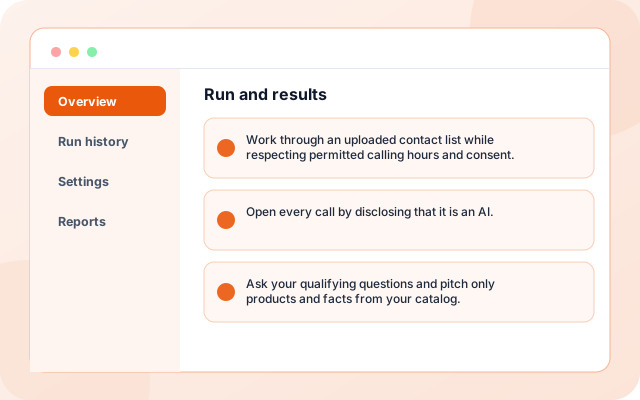
Run and results
Run the simulated campaign and read every transcript and score.
- Work through an uploaded contact list while respecting permitted calling hours and consent.
- Open every call by disclosing that it is an AI.
- Ask your qualifying questions and pitch only products and facts from your catalog.
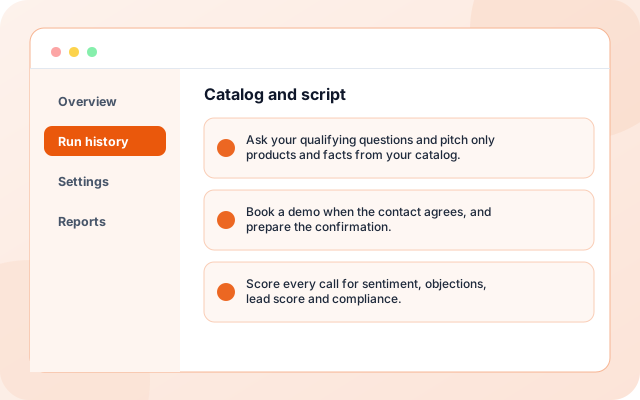
Catalog and script
Edit the products, questions and rules the agent follows.
- Ask your qualifying questions and pitch only products and facts from your catalog.
- Book a demo when the contact agrees, and prepare the confirmation.
- Score every call for sentiment, objections, lead score and compliance.
What teams switch on first
Each capability can be used on its own.
- Contact list: Work through an uploaded contact list while respecting permitted calling hours and consent.
- Calling hours: Open every call by disclosing that it is an AI.
- AI disclosure: Ask your qualifying questions and pitch only products and facts from your catalog.
- Qualifying questions: Book a demo when the contact agrees, and prepare the confirmation.
- Demo booking: Score every call for sentiment, objections, lead score and compliance.
- Call scoring: Your qualifying questions and calling hours.
Systems it works with
Connections this template uses today.
- CSV contact list
- Product catalog
- Google Meet demo booking (planned)
- Telephony (planned)
Control and checks built in
The agent never quotes a price you did not enter, and it states that it is an AI. Live telephony is not connected yet, and legal review is needed before calling real people.
- Does it make real phone calls?: Not yet. This release runs in mock mode with simulated contacts, so no real calls, emails or calendar events are created.
- What does the call scoring cover?: Sentiment, objections raised, a lead score and whether the call followed your compliance rules.
- Can I use it to prepare a real campaign?: Yes. You can refine the script, catalog and rules in simulation first, which shows what a real campaign would say and produce.
What is in AI Calling Agent
- Contact list: Work through an uploaded contact list while respecting permitted calling hours and consent.
- Calling hours: Open every call by disclosing that it is an AI.
- AI disclosure: Ask your qualifying questions and pitch only products and facts from your catalog.
- Qualifying questions: Book a demo when the contact agrees, and prepare the confirmation.
- Demo booking: Score every call for sentiment, objections, lead score and compliance.
Frequently asked questions
Does it make real phone calls?
Not yet. This release runs in mock mode with simulated contacts, so no real calls, emails or calendar events are created.
What does the call scoring cover?
Sentiment, objections raised, a lead score and whether the call followed your compliance rules.
Can I use it to prepare a real campaign?
Yes. You can refine the script, catalog and rules in simulation first, which shows what a real campaign would say and produce.