What you can do in Knowledge Intelligence
- See every knowledge base source with its type, indexing status and vector count.
- Spot sources that failed or are still indexing before your agents rely on them.
- Onboard new documents and connect databases in a few clicks.
- Open the knowledge manager to add, remove or re-process sources.
- Jump to chat to ask questions of the knowledge you have onboarded.
How to get started
- Sign in as an organisation admin and open Knowledge Intelligence.
- Review the sources already onboarded and their health.
- Choose Onboard knowledge to add documents or connect a database.
- Wait for indexing to finish, then ask questions in chat or attach the knowledge to an agent.
Why index health matters
An agent is only as good as the material it can retrieve. Knowledge Intelligence shows how many documents are indexed, when the last update ran and whether any source failed, so gaps are visible instead of surfacing as wrong answers.
- Every knowledge base: One list of what has been onboarded.
- Index health: Ready, indexing, partial or failed at a glance.
- Onboard in clicks: Add documents or connect a database.
What Knowledge Intelligence gives you
See what your agents know
An agent is only as good as the material it can retrieve. Knowledge Intelligence shows how many documents are indexed, when the last update ran and whether any source failed, so gaps are visible instead of surfacing as wrong answers.
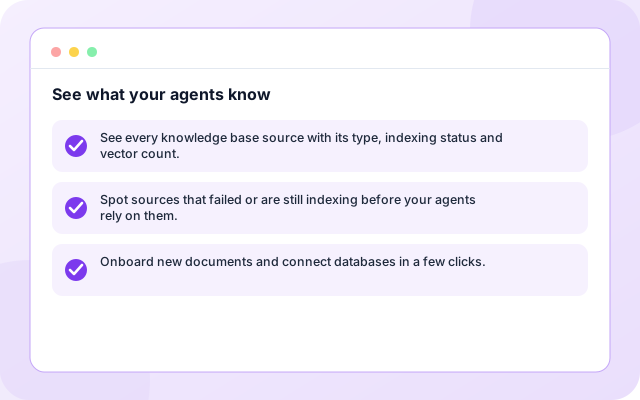
- See every knowledge base source with its type, indexing status and vector count.
- Spot sources that failed or are still indexing before your agents rely on them.
- Onboard new documents and connect databases in a few clicks.
Spot problems early
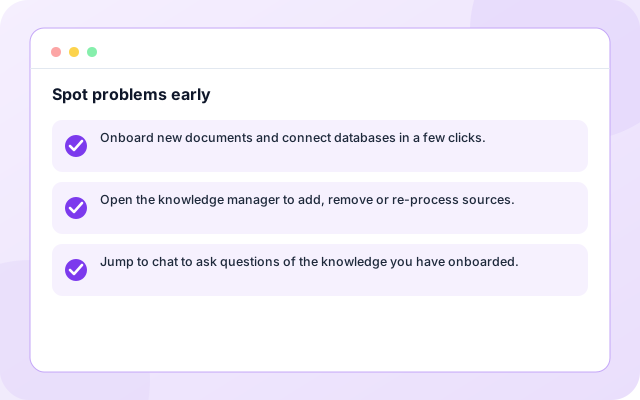
Spot sources that failed or are still indexing before your agents rely on them.
- Onboard new documents and connect databases in a few clicks.
- Open the knowledge manager to add, remove or re-process sources.
- Jump to chat to ask questions of the knowledge you have onboarded.
Add knowledge quickly
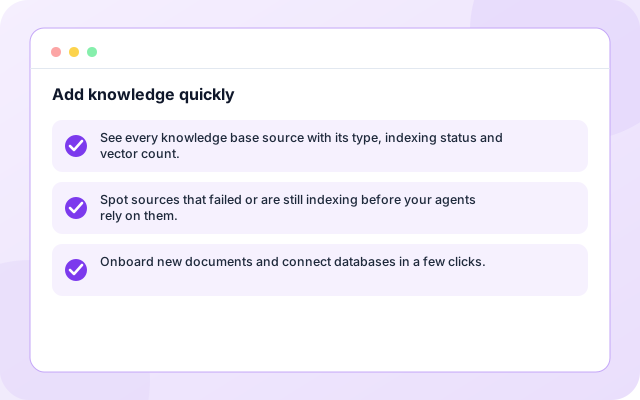
Onboard new documents and connect databases in a few clicks.
- See every knowledge base source with its type, indexing status and vector count.
- Spot sources that failed or are still indexing before your agents rely on them.
- Onboard new documents and connect databases in a few clicks.
How it works
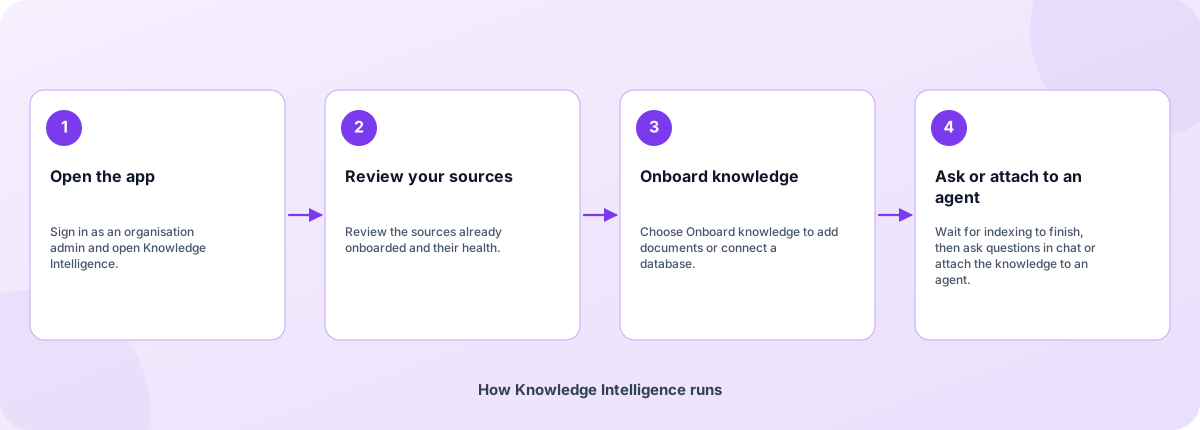
Four steps from sign-in to results.
- Open the app: Sign in as an organisation admin and open Knowledge Intelligence.
- Review your sources: Review the sources already onboarded and their health.
- Onboard knowledge: Choose Onboard knowledge to add documents or connect a database.
- Ask or attach to an agent: Wait for indexing to finish, then ask questions in chat or attach the knowledge to an agent.
How Knowledge Intelligence runs
How Knowledge Intelligence is built
Knowledge Intelligence runs on the Coderva platform. Each layer below can be changed without touching the others.
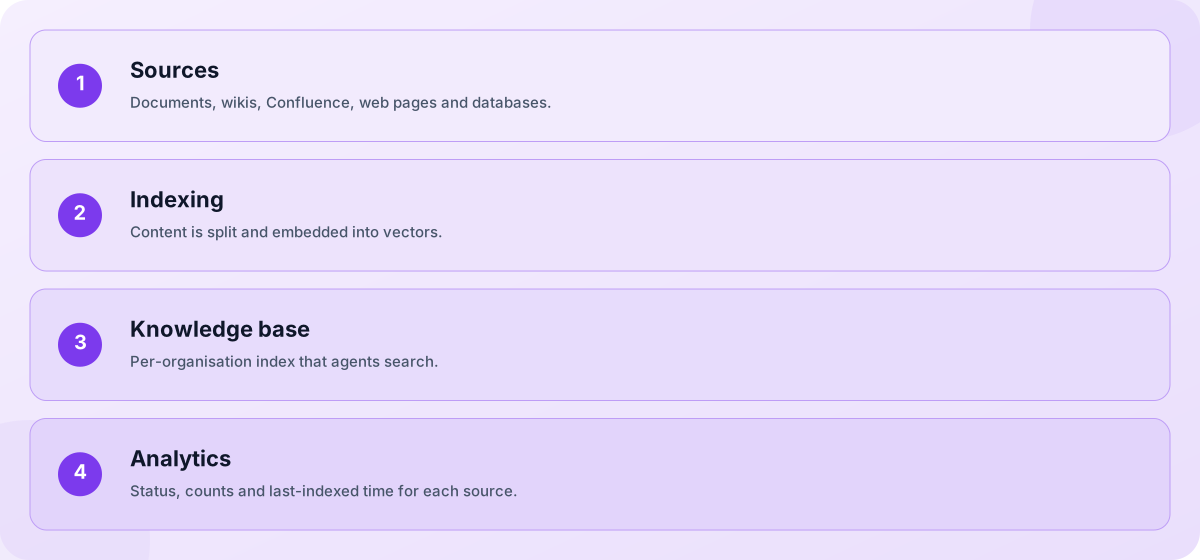
- Sources: Documents, wikis, Confluence, web pages and databases.
- Indexing: Content is split and embedded into vectors.
- Knowledge base: Per-organisation index that agents search.
- Analytics: Status, counts and last-indexed time for each source.
Screens you will use
Open the app after you sign in.
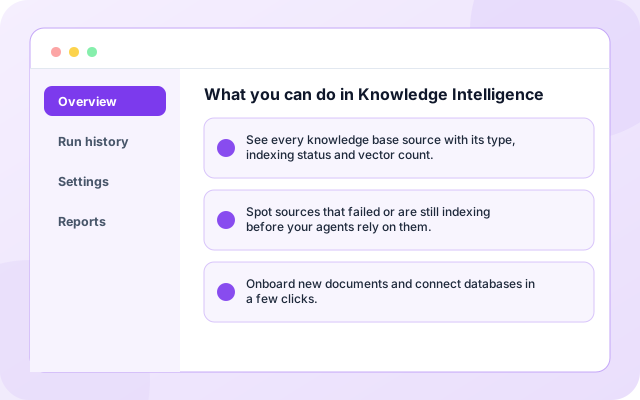
What you can do in Knowledge Intelligence
See every knowledge base source with its type, indexing status and vector count.
- See every knowledge base source with its type, indexing status and vector count.
- Spot sources that failed or are still indexing before your agents rely on them.
- Onboard new documents and connect databases in a few clicks.
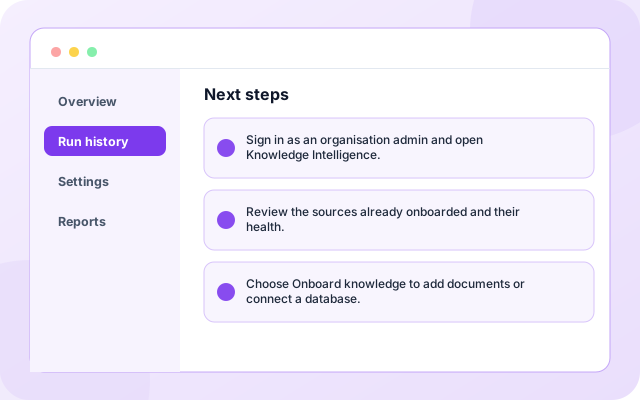
Next steps
Sign in as an organisation admin and open Knowledge Intelligence.
- Sign in as an organisation admin and open Knowledge Intelligence.
- Review the sources already onboarded and their health.
- Choose Onboard knowledge to add documents or connect a database.
What teams use it for
Each capability can be used on its own.
- Source overview: See every knowledge base source with its type, indexing status and vector count.
- Failed source alerts: Spot sources that failed or are still indexing before your agents rely on them.
- Document onboarding: Onboard new documents and connect databases in a few clicks.
- Database onboarding: Open the knowledge manager to add, remove or re-process sources.
- Knowledge manager: Jump to chat to ask questions of the knowledge you have onboarded.
- Ask your data: Documents, wikis, Confluence, web pages, databases and an organisation knowledge graph.
What it connects to
Systems this page covers.
- Documents
- Confluence
- Web pages
- Databases
- Knowledge graph
- Coderva AI Assistant
Control and checks built in
You decide what is connected and what happens with it.
- How is this different from Enterprise Search?: Knowledge Intelligence manages the knowledge bases you onboard and index. Enterprise Search searches your live databases and work apps with your own credentials, without copying them.
- Who can onboard knowledge?: Organisation admins can onboard and manage sources. Members can read what has been shared with them.
- What kinds of sources can I add?: Documents, wikis, Confluence, web pages, databases and an organisation knowledge graph.
What is in Knowledge Intelligence
- Source overview: See every knowledge base source with its type, indexing status and vector count.
- Failed source alerts: Spot sources that failed or are still indexing before your agents rely on them.
- Document onboarding: Onboard new documents and connect databases in a few clicks.
- Database onboarding: Open the knowledge manager to add, remove or re-process sources.
- Knowledge manager: Jump to chat to ask questions of the knowledge you have onboarded.
Frequently asked questions
How is this different from Enterprise Search?
Knowledge Intelligence manages the knowledge bases you onboard and index. Enterprise Search searches your live databases and work apps with your own credentials, without copying them.
Who can onboard knowledge?
Organisation admins can onboard and manage sources. Members can read what has been shared with them.
What kinds of sources can I add?
Documents, wikis, Confluence, web pages, databases and an organisation knowledge graph.