What the Google Ads Performance template does
- Plan campaign structure from your goals and budget.
- Research keywords and write responsive search ad copy.
- Audit landing pages for relevance and quality.
- Pace budgets and monitor performance across campaigns.
- Propose A/B tests and produce regular reports.
How to set it up
- Enter your website, goals, target keywords and budget.
- Let the agents produce the plan, copy and landing page audit.
- Review the recommendations and approve the ones you want applied.
- Follow performance and test results in the execution history.
What you need
- Your website and campaign goals.
- A budget and the keywords or products you want to promote.
Control and safety
The agents recommend, you approve. Budget and campaign changes follow limits you set.
- Campaign planning: Build campaign structure from your goals and budget.
- Ad copy and tests: Responsive search ads and test ideas written for you.
- Budget pacing: Keep spend on track and spot pacing problems early.
What the Google Ads Performance template gives you
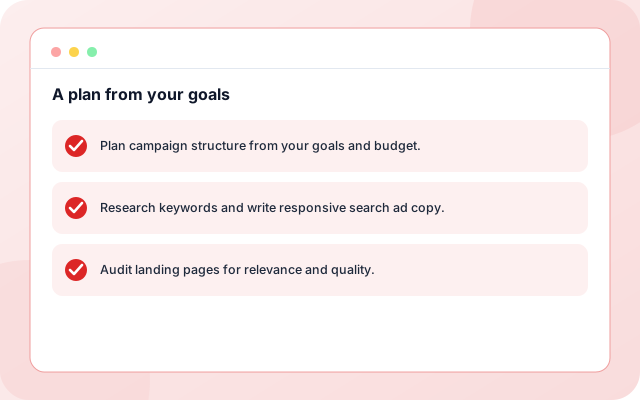
A plan from your goals
Campaign structure, keywords and budget come from the goals you enter.
- Plan campaign structure from your goals and budget.
- Research keywords and write responsive search ad copy.
- Audit landing pages for relevance and quality.
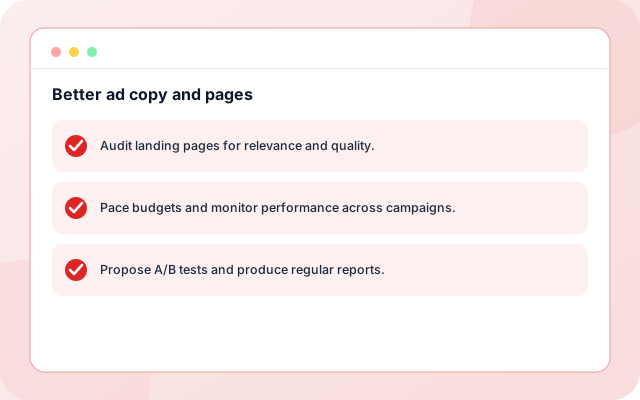
Better ad copy and pages
The agents write ad copy, audit landing pages and propose A/B tests.
- Audit landing pages for relevance and quality.
- Pace budgets and monitor performance across campaigns.
- Propose A/B tests and produce regular reports.
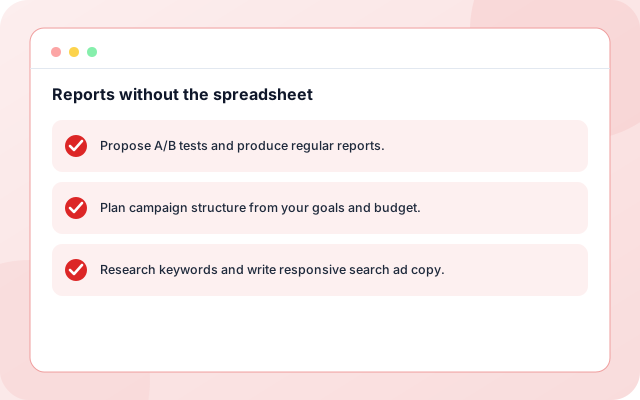
Reports without the spreadsheet
Performance is monitored and summarised so decisions are quick.
- Propose A/B tests and produce regular reports.
- Plan campaign structure from your goals and budget.
- Research keywords and write responsive search ad copy.
From sign-in to a running workflow
Setup is guided. Nothing runs until you review the settings and enable it.
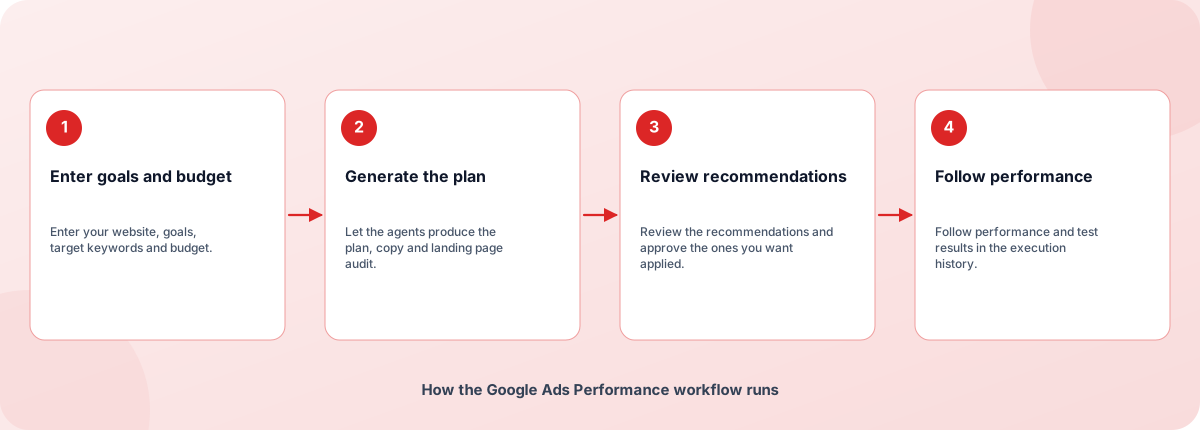
- Enter goals and budget: Enter your website, goals, target keywords and budget.
- Generate the plan: Let the agents produce the plan, copy and landing page audit.
- Review recommendations: Review the recommendations and approve the ones you want applied.
- Follow performance: Follow performance and test results in the execution history.
How the Google Ads Performance workflow runs
How Google Ads Performance is built
Google Ads Performance is a template on the Coderva workflow platform: a guided setup writes the configuration, agents do the work, and every run is stored in the execution history.
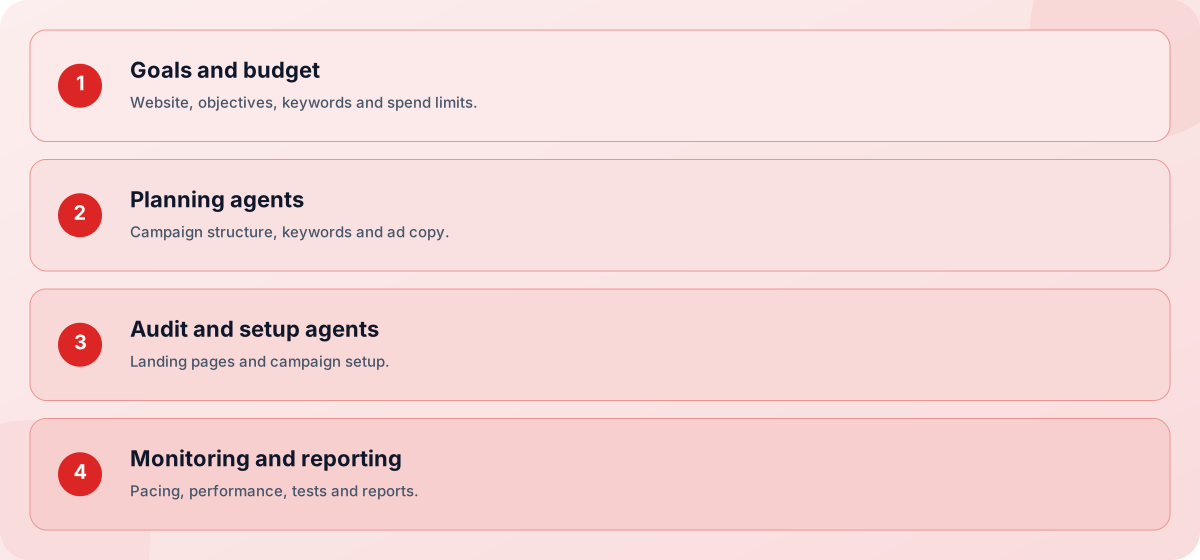
- Goals and budget: Website, objectives, keywords and spend limits.
- Planning agents: Campaign structure, keywords and ad copy.
- Audit and setup agents: Landing pages and campaign setup.
- Monitoring and reporting: Pacing, performance, tests and reports.
Screens you will use
Everything is managed from the workflow page after you sign in.
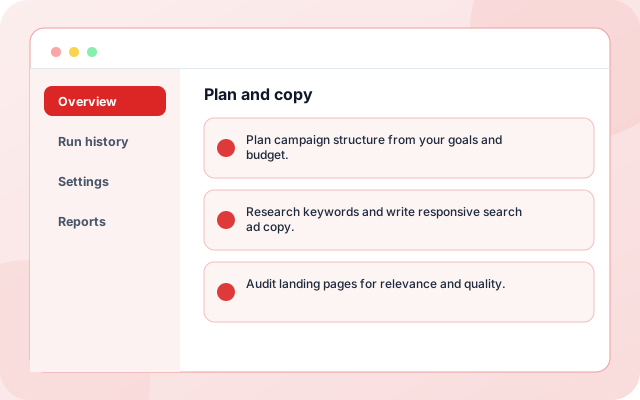
Plan and copy
Review the proposed campaigns and ad copy.
- Plan campaign structure from your goals and budget.
- Research keywords and write responsive search ad copy.
- Audit landing pages for relevance and quality.
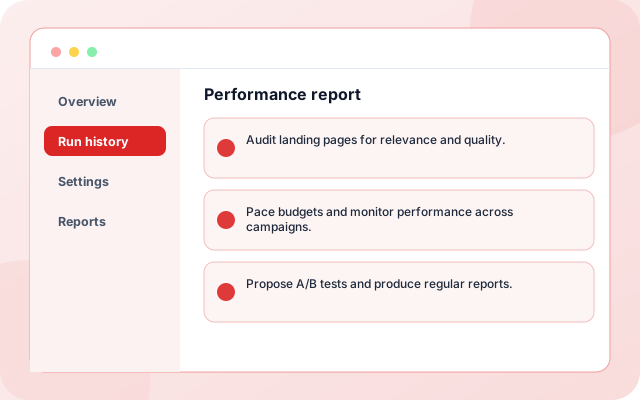
Performance report
See results, tests and recommendations in one place.
- Audit landing pages for relevance and quality.
- Pace budgets and monitor performance across campaigns.
- Propose A/B tests and produce regular reports.
What teams switch on first
Each capability can be used on its own.
- Campaign planning: Plan campaign structure from your goals and budget.
- Keyword research: Research keywords and write responsive search ad copy.
- Ad copy: Audit landing pages for relevance and quality.
- Landing page audit: Pace budgets and monitor performance across campaigns.
- Budget pacing: Propose A/B tests and produce regular reports.
- Reporting: A budget and the keywords or products you want to promote.
Systems it works with
Connections this template uses today.
- Google Ads
- Your website
- Keyword research
- Reporting
Control and checks built in
The agents recommend, you approve. Budget and campaign changes follow limits you set.
- Does it spend my budget on its own?: It proposes changes and waits for your approval. Spending limits come from the budget you set.
- What does it need to start?: Your website, goals, keywords and budget. Results depend on your offer and market.
- Is it only for new campaigns?: No. It can audit and improve existing campaigns as well as plan new ones.
What is in Google Ads Performance
- Campaign planning: Plan campaign structure from your goals and budget.
- Keyword research: Research keywords and write responsive search ad copy.
- Ad copy: Audit landing pages for relevance and quality.
- Landing page audit: Pace budgets and monitor performance across campaigns.
- Budget pacing: Propose A/B tests and produce regular reports.
Frequently asked questions
Does it spend my budget on its own?
It proposes changes and waits for your approval. Spending limits come from the budget you set.
What does it need to start?
Your website, goals, keywords and budget. Results depend on your offer and market.
Is it only for new campaigns?
No. It can audit and improve existing campaigns as well as plan new ones.