What this agent helps with
- Research digest
- Mandate guideline check
- Client commentary draft
- Meeting prep for client reviews
Tools it uses
This template uses: Enterprise Search, Knowledge Base, Assistant Skills, Web Search, PDF Reader.
- Enterprise Search: searches your connected work apps and databases with your own permissions.
- Knowledge Base: answers from the documents you upload.
- Assistant Skills: summaries, briefings and drafts in a consistent format.
- Web Search: looks up current information on the web.
- PDF Reader: reads and answers questions from PDF files.
How to use it
- Sign in and open Agent Studio, then choose Templates.
- Select Asset Management Research Assistant and review its instructions and tools.
- Connect your sources in the Enterprise Search app and upload any documents the agent should know.
- Try a few real questions in chat, then deploy the agent and share it with your team.
Good to know
The agent only sees what the credentials you connect can read, and it is told to cite its sources and say when it cannot find an answer instead of guessing.
The Asset Management Research Assistant supports staff work and prepares drafts. It does not replace professional judgement, and a qualified person should review its output before it is relied on.
- Enterprise Search: Enterprise Search: searches your connected work apps and databases with your own permissions.
- Knowledge Base: Knowledge Base: answers from the documents you upload.
- Assistant Skills: Assistant Skills: summaries, briefings and drafts in a consistent format.
What the Asset Management Research agent gives you
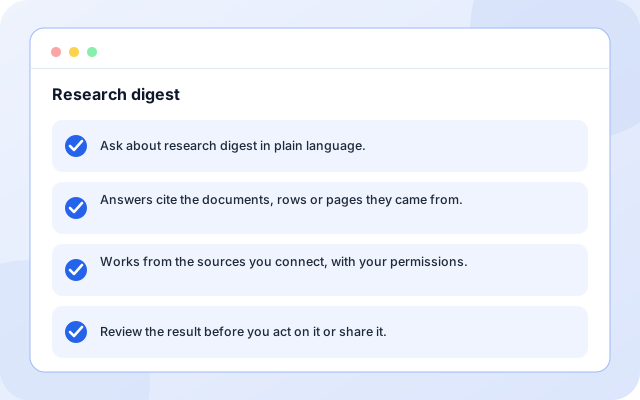
Research digest
Ask for help with research digest. The agent searches your connected sources and shows where each answer came from.
- Ask about research digest in plain language.
- Answers cite the documents, rows or pages they came from.
- Works from the sources you connect, with your permissions.
- Review the result before you act on it or share it.
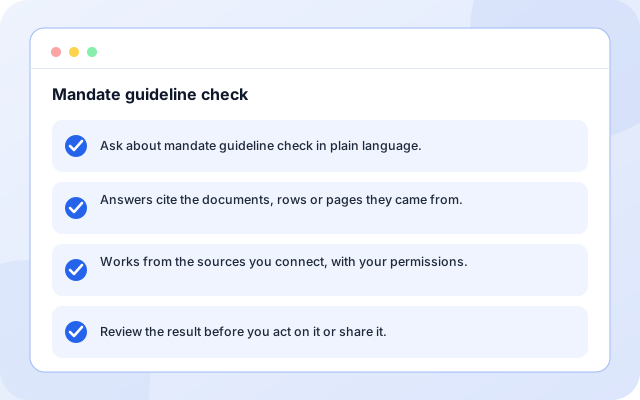
Mandate guideline check
Ask for help with mandate guideline check. The agent searches your connected sources and shows where each answer came from.
- Ask about mandate guideline check in plain language.
- Answers cite the documents, rows or pages they came from.
- Works from the sources you connect, with your permissions.
- Review the result before you act on it or share it.
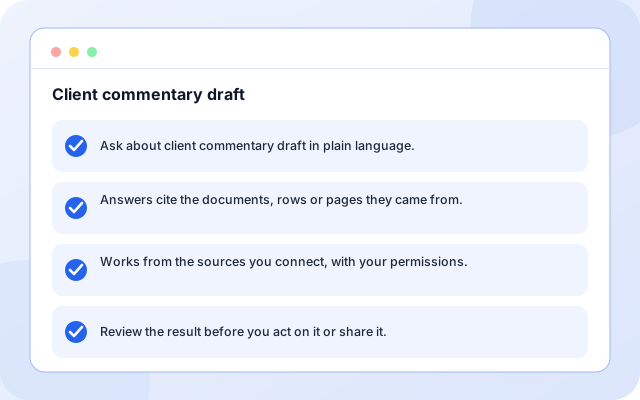
Client commentary draft
Ask for help with client commentary draft. The agent searches your connected sources and shows where each answer came from.
- Ask about client commentary draft in plain language.
- Answers cite the documents, rows or pages they came from.
- Works from the sources you connect, with your permissions.
- Review the result before you act on it or share it.
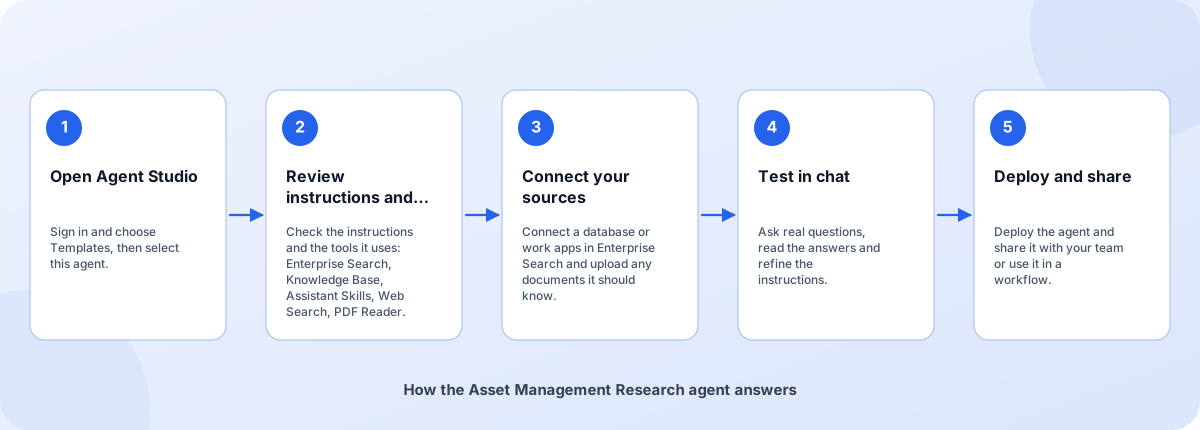
From template to deployed agent
Start from the template, make it yours and deploy when you are happy with how it answers.
- Open Agent Studio: Sign in and choose Templates, then select this agent.
- Review instructions and tools: Check the instructions and the tools it uses: Enterprise Search, Knowledge Base, Assistant Skills, Web Search, PDF Reader.
- Connect your sources: Connect a database or work apps in Enterprise Search and upload any documents it should know.
- Test in chat: Ask real questions, read the answers and refine the instructions.
- Deploy and share: Deploy the agent and share it with your team or use it in a workflow.
How the Asset Management Research agent answers
How the Asset Management Research agent is built
An agent template is a set of instructions, tools and example tasks on the Coderva agent platform. You can edit every layer.
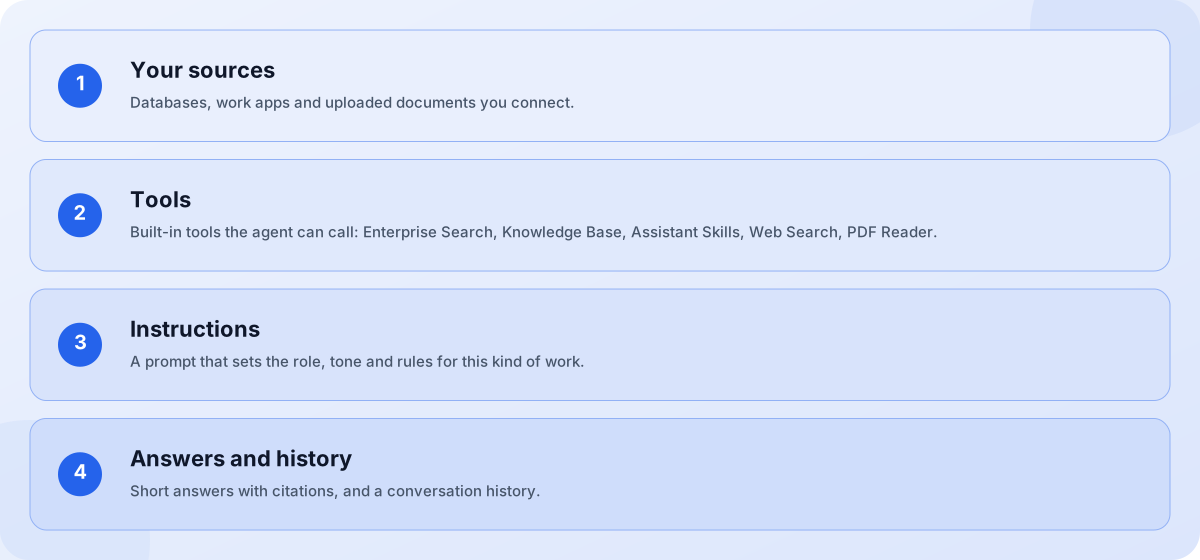
- Your sources: Databases, work apps and uploaded documents you connect.
- Tools: Built-in tools the agent can call: Enterprise Search, Knowledge Base, Assistant Skills, Web Search, PDF Reader.
- Instructions: A prompt that sets the role, tone and rules for this kind of work.
- Answers and history: Short answers with citations, and a conversation history.
Screens you will use
You work with the agent in Agent Studio and in chat.
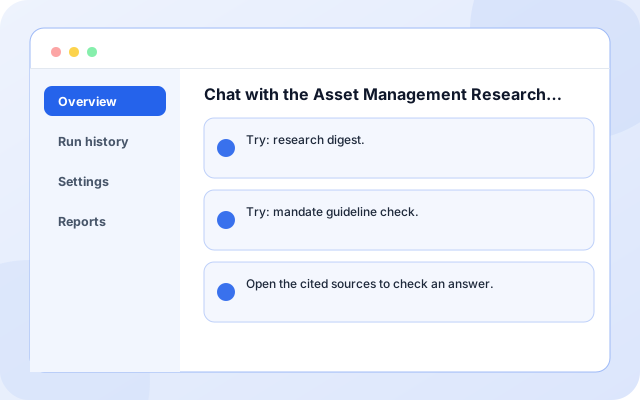
Chat with the Asset Management Research agent
Ask a question and read the answer.
- Try: research digest.
- Try: mandate guideline check.
- Open the cited sources to check an answer.
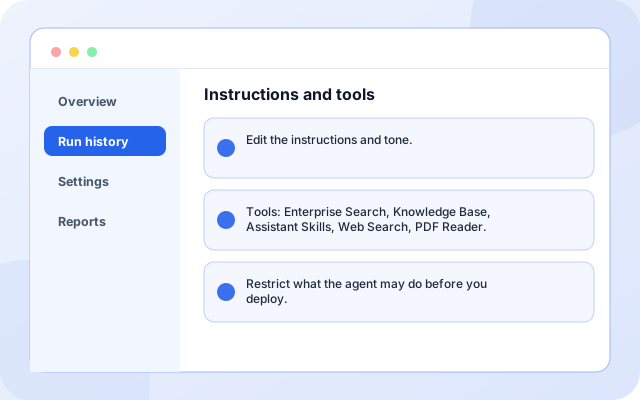
Instructions and tools
Adjust how the agent behaves.
- Edit the instructions and tone.
- Tools: Enterprise Search, Knowledge Base, Assistant Skills, Web Search, PDF Reader.
- Restrict what the agent may do before you deploy.
What teams ask it first
Starting use cases that come with the template. Add your own.
- Research digest: Ask for help with research digest. The agent searches your connected sources and shows where each answer came from.
- Mandate guideline check: Ask for help with mandate guideline check. The agent searches your connected sources and shows where each answer came from.
- Client commentary draft: Ask for help with client commentary draft. The agent searches your connected sources and shows where each answer came from.
- Meeting prep for client reviews: Ask for help with meeting prep for client reviews. The agent searches your connected sources and shows where each answer came from.
- Share with your team: Deploy the agent to a link or embed it in a workflow.
- Keep a history: Every conversation is stored so you can review what was asked and answered.
What it connects to
Sources you can connect for this agent.
- PostgreSQL
- MySQL
- GitHub
- Confluence
- Jira
- Slack
- Notion
- Google Drive
- Web Search
- PDF Reader
Control and checks built in
You decide what the agent can see and do, and how its answers are used.
- Your permissions apply: Searches run with the credentials you connect, so the agent only sees what they can read.
- Cite or say so: The instructions tell the agent to cite its sources and to say when it cannot find an answer.
- A person reviews: The Asset Management Research Assistant supports staff work and prepares drafts. A qualified person should review output before it is relied on.
What is in the Asset Management Research agent
- Enterprise Search: Searches your connected work apps and databases with your own permissions.
- Knowledge Base: Answers from the documents you upload.
- Assistant Skills: Summaries, briefings and drafts in a consistent format.
- Web Search: Looks up current information on the web.
- Customisable: Instructions, tone and tools are editable in Agent Studio.
- Deployable: Deploy to a link, share it with your team or use it in workflows.
Frequently asked questions
What is the Asset Management Research Assistant?
Summarises research, earnings notes and mandate documents, and prepares client-report drafts for review. It is a intermediate-level agent template you can customise in Agent Studio.
What does the Asset Management Research Assistant need to work?
A connected source such as a database or work app in the Enterprise Search app, and optionally documents uploaded to a knowledge base. Without sources it will tell you it has nothing to search.
Can I change the instructions and tools?
Yes. Everything is editable in Agent Studio before and after you deploy, so you can tune the tone, add tools and restrict what the agent may do.