What this agent helps with
- Qualify inbound leads automatically
- Send personalized follow-up emails
- Schedule sales calls and meetings
- Update CRM with lead activity
- Generate sales pipeline reports
Tools it uses
This template uses: Email, CRM, Calendar.
- Email: sends emails through your configured account.
- CRM: looks up customer and pipeline records.
- Calendar: checks and proposes meeting times.
How to use it
- Sign in and open Agent Studio, then choose Templates.
- Select Sales Assistant Agent and review its instructions and tools.
- Add any data or files it needs, and adjust the instructions to your wording.
- Try a few real questions in chat, then deploy the agent and share it with your team.
Good to know
You control the instructions, the tools and the data this agent can use.
- Email: Email: sends emails through your configured account.
- CRM: CRM: looks up customer and pipeline records.
- Calendar: Calendar: checks and proposes meeting times.
What the Sales Assistant agent gives you
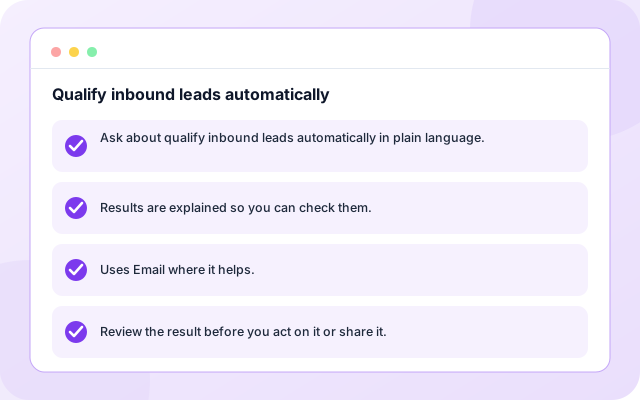
Qualify inbound leads automatically
Use the Sales Assistant Agent for qualify inbound leads automatically, with instructions and tools you can adjust.
- Ask about qualify inbound leads automatically in plain language.
- Results are explained so you can check them.
- Uses Email where it helps.
- Review the result before you act on it or share it.
Send personalized follow-up emails
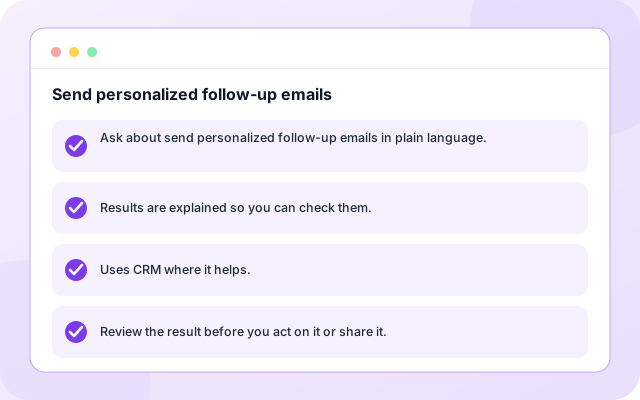
Use the Sales Assistant Agent for send personalized follow-up emails, with instructions and tools you can adjust.
- Ask about send personalized follow-up emails in plain language.
- Results are explained so you can check them.
- Uses CRM where it helps.
- Review the result before you act on it or share it.
Schedule sales calls and meetings
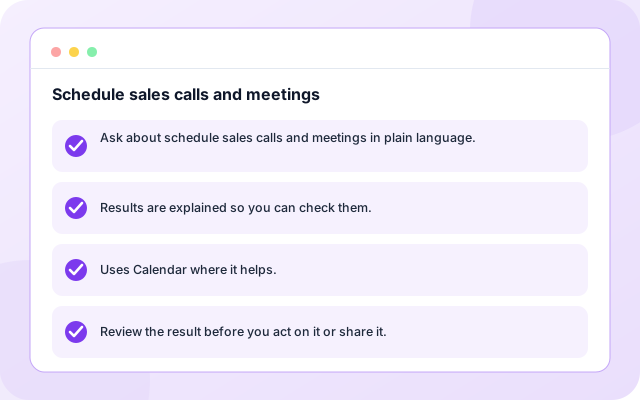
Use the Sales Assistant Agent for schedule sales calls and meetings, with instructions and tools you can adjust.
- Ask about schedule sales calls and meetings in plain language.
- Results are explained so you can check them.
- Uses Calendar where it helps.
- Review the result before you act on it or share it.
From template to deployed agent
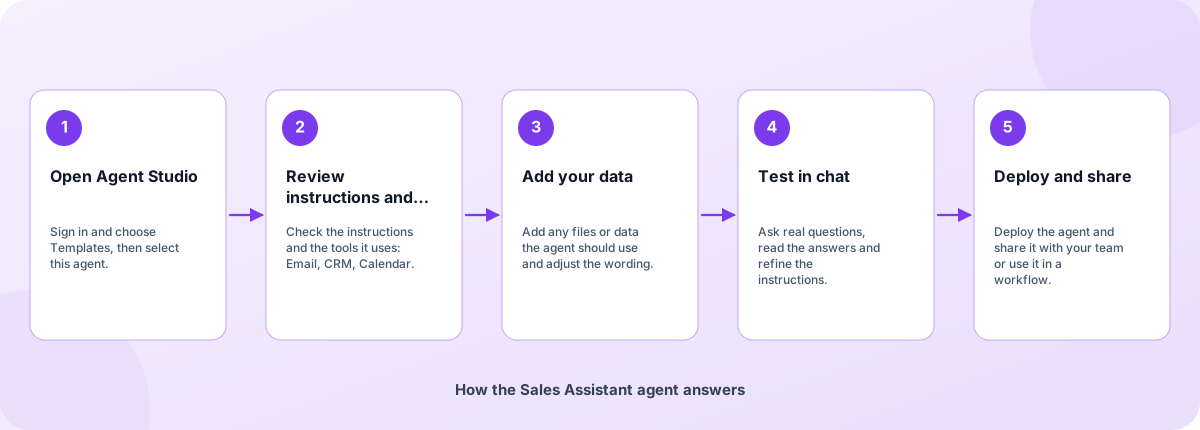
Start from the template, make it yours and deploy when you are happy with how it answers.
- Open Agent Studio: Sign in and choose Templates, then select this agent.
- Review instructions and tools: Check the instructions and the tools it uses: Email, CRM, Calendar.
- Add your data: Add any files or data the agent should use and adjust the wording.
- Test in chat: Ask real questions, read the answers and refine the instructions.
- Deploy and share: Deploy the agent and share it with your team or use it in a workflow.
How the Sales Assistant agent answers
How the Sales Assistant agent is built
An agent template is a set of instructions, tools and example tasks on the Coderva agent platform. You can edit every layer.
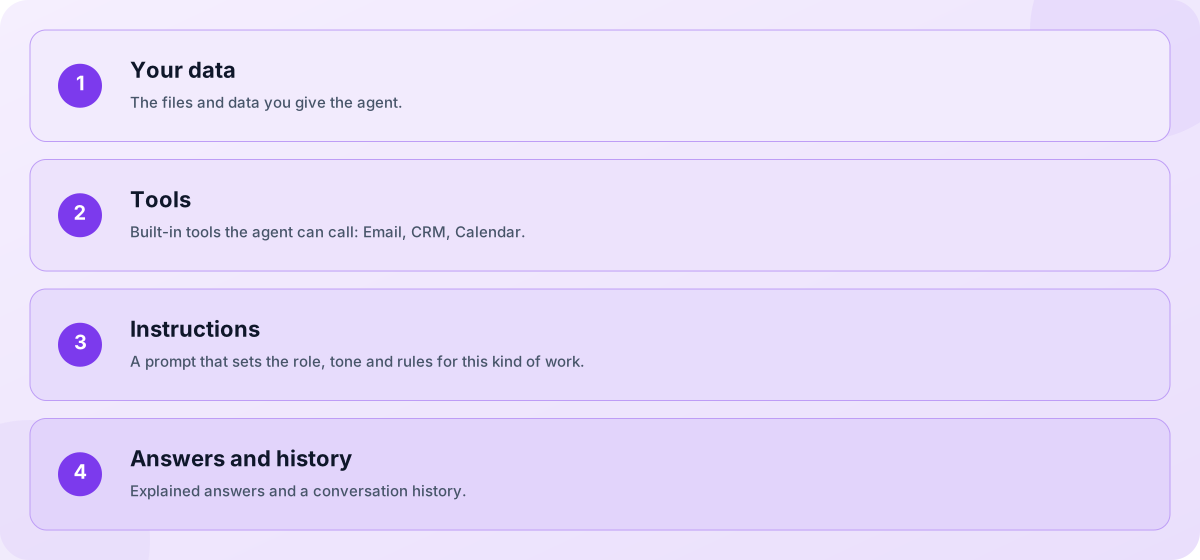
- Your data: The files and data you give the agent.
- Tools: Built-in tools the agent can call: Email, CRM, Calendar.
- Instructions: A prompt that sets the role, tone and rules for this kind of work.
- Answers and history: Explained answers and a conversation history.
Screens you will use
You work with the agent in Agent Studio and in chat.
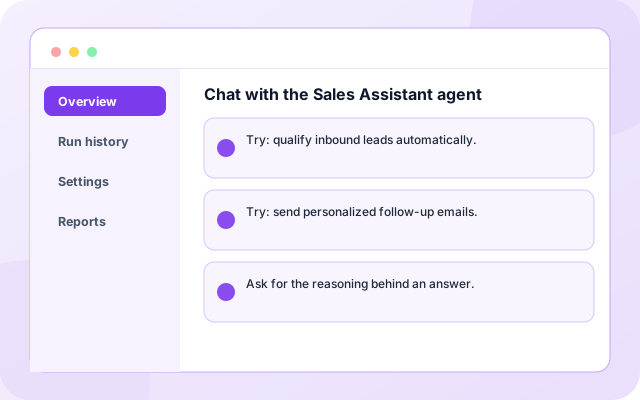
Chat with the Sales Assistant agent
Ask a question and read the answer.
- Try: qualify inbound leads automatically.
- Try: send personalized follow-up emails.
- Ask for the reasoning behind an answer.
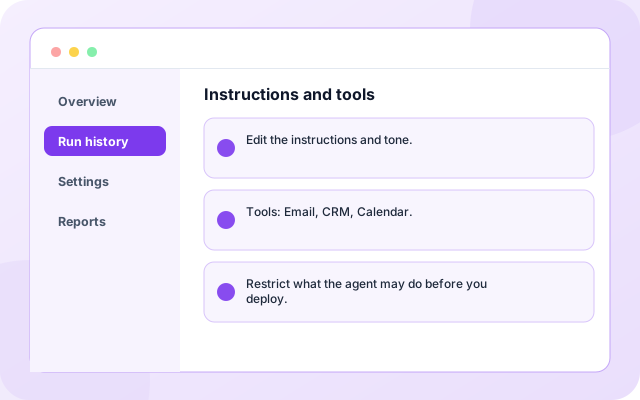
Instructions and tools
Adjust how the agent behaves.
- Edit the instructions and tone.
- Tools: Email, CRM, Calendar.
- Restrict what the agent may do before you deploy.
What teams ask it first
Starting use cases that come with the template. Add your own.
- Qualify inbound leads automatically: Use the Sales Assistant Agent for qualify inbound leads automatically, with instructions and tools you can adjust.
- Send personalized follow-up emails: Use the Sales Assistant Agent for send personalized follow-up emails, with instructions and tools you can adjust.
- Schedule sales calls and meetings: Use the Sales Assistant Agent for schedule sales calls and meetings, with instructions and tools you can adjust.
- Update CRM with lead activity: Use the Sales Assistant Agent for update CRM with lead activity, with instructions and tools you can adjust.
- Share with your team: Deploy the agent to a link or embed it in a workflow.
- Keep a history: Every conversation is stored so you can review what was asked and answered.
What it connects to
Tools and data this agent uses.
- CRM
- Calendar
Control and checks built in
You decide what the agent can see and do, and how its answers are used.
- You control the data: The agent only uses the files, data and tools you give it.
- Cite or say so: The instructions tell the agent to cite its sources and to say when it cannot find an answer.
- Editable and testable: Edit the instructions and test in chat before you share the agent.
What is in the Sales Assistant agent
- Email: Sends emails through your configured account.
- CRM: Looks up customer and pipeline records.
- Calendar: Checks and proposes meeting times.
- Customisable: Instructions, tone and tools are editable in Agent Studio.
- Deployable: Deploy to a link, share it with your team or use it in workflows.
Frequently asked questions
What is the Sales Assistant Agent?
Lead qualification, follow-ups, and pipeline management automation. Helps sales teams prioritize leads and close deals faster. It is a intermediate-level agent template you can customise in Agent Studio.
What does the Sales Assistant Agent need to work?
It uses Email, CRM, Calendar. Some tools need your own account or files, which you add when you set the agent up.
Can I change the instructions and tools?
Yes. Everything is editable in Agent Studio before and after you deploy, so you can tune the tone, add tools and restrict what the agent may do.